
June 24th, 2013
dslrBooth for Windows 2.5.1.7 Released – New UI and Customized Screens
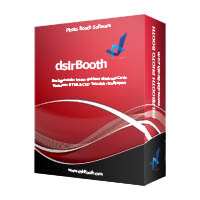 We have spent the last few weeks rewriting a good portion of the foundation of dslrBooth. The changes you can visibly see are:
- Improved User Interface.
- Easier to use settings.
- Ability to set what is displayed before a new session starts. You now have one of three options:
- Previous Print
- Overlay Image
- Custom Image. Here you can add your company logo, instructions for users, etc…
- Ability to set a custom smile screen. This is the smiley face image that is displayed at the end of the count-down when the camera is auto-focusing.
We are now better prepared to add a slew of features that you have requested and are confident that you’ll love the updates we’ll be releasing this summer.
As always, we want to hear your voice. What do you think of this update? What features do you want us to add? Let us know in the comments or contact us directly.
Related Articles
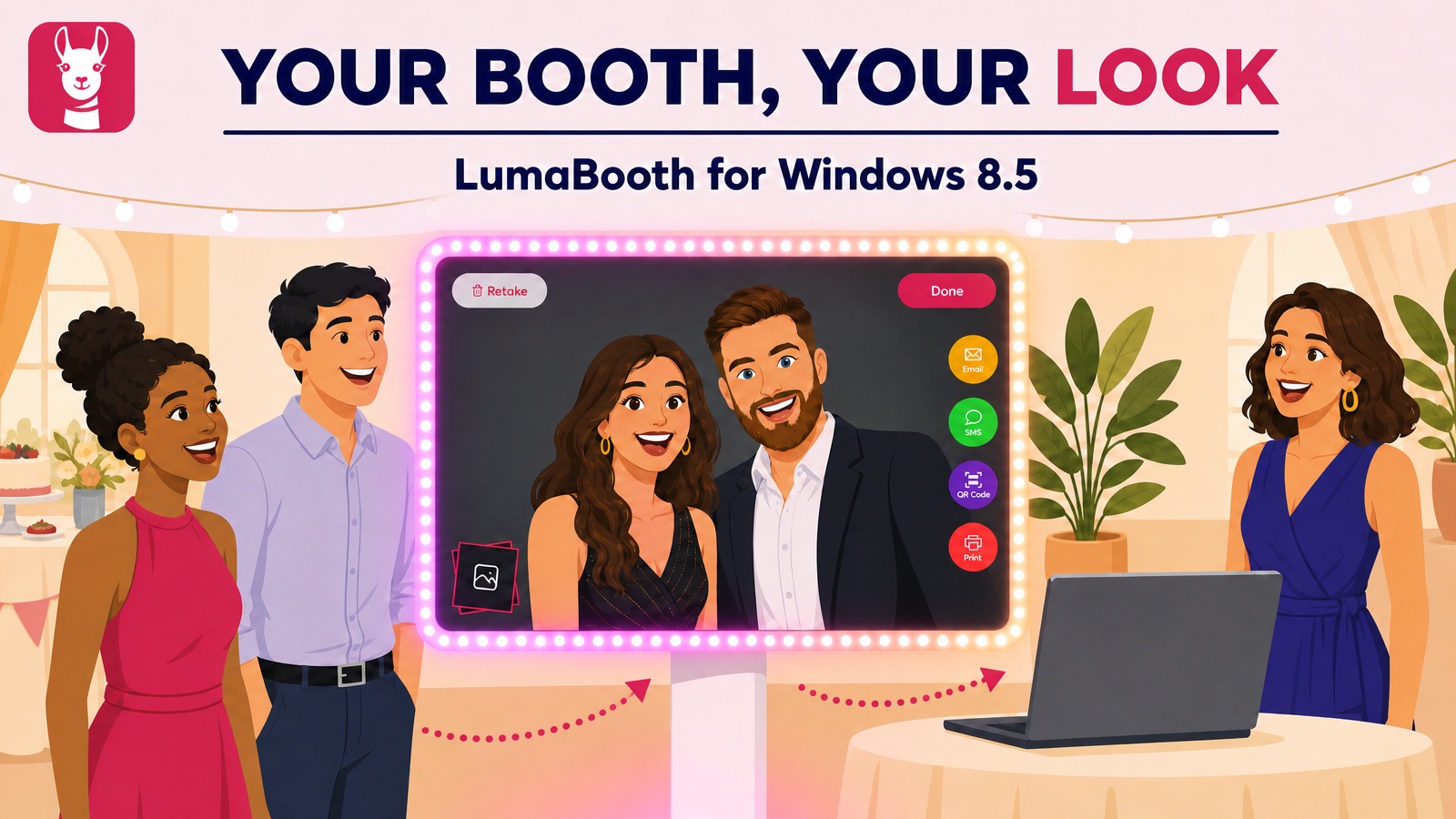
Your Booth, Your Look: Style Every Share Button in LumaBooth for Windows 8.5
November 24, 2026
In LumaBooth for Windows 8.5 every share button gets its own color, caption and position, and a Shar...
Read More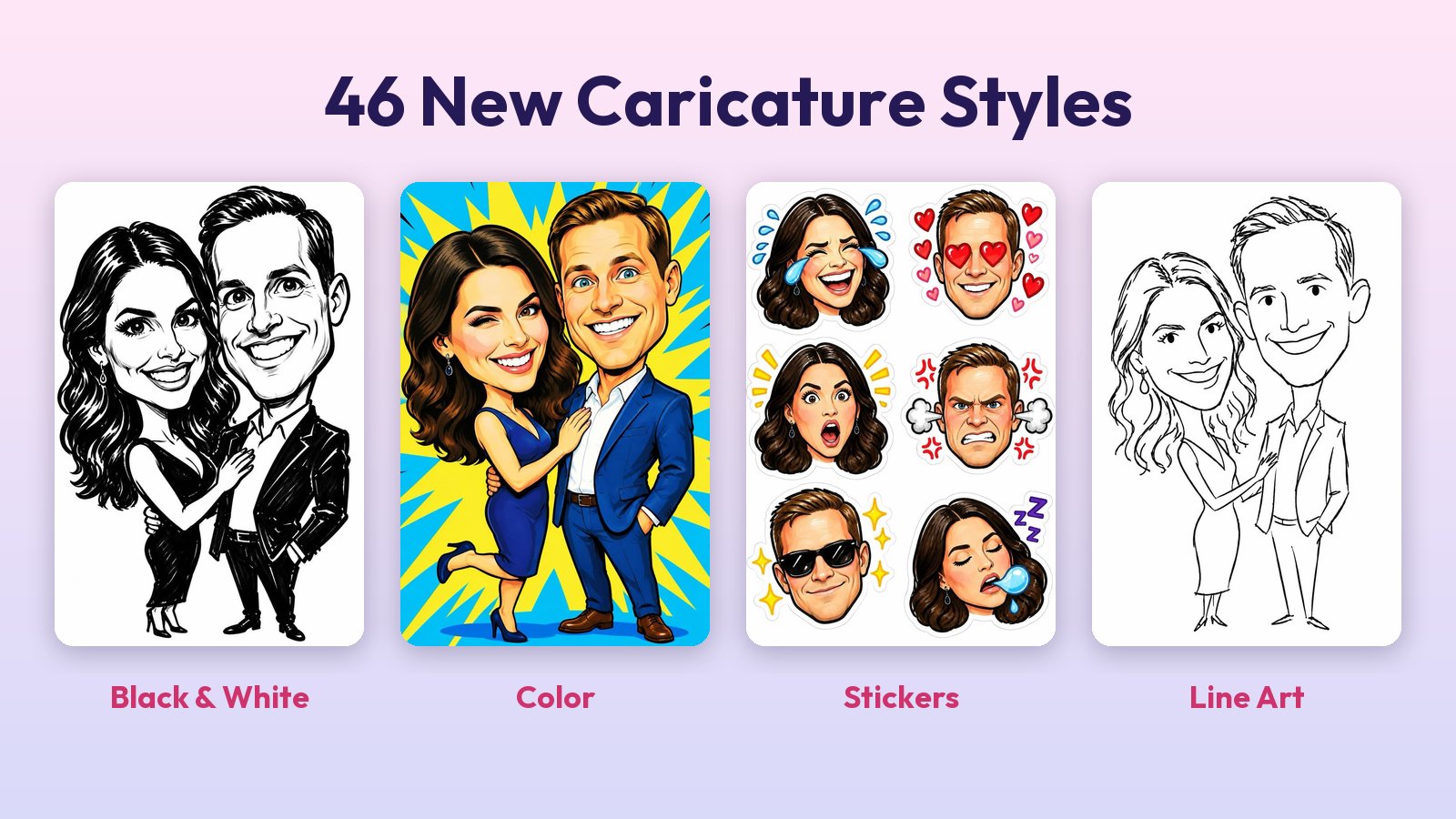
The Caricature Artist Who Never Takes a Break: 46 New AI Portrait Styles
November 17, 2026
AI Portraits now include 46 caricature styles in four categories: Black & White, Color, Sticker...
Read More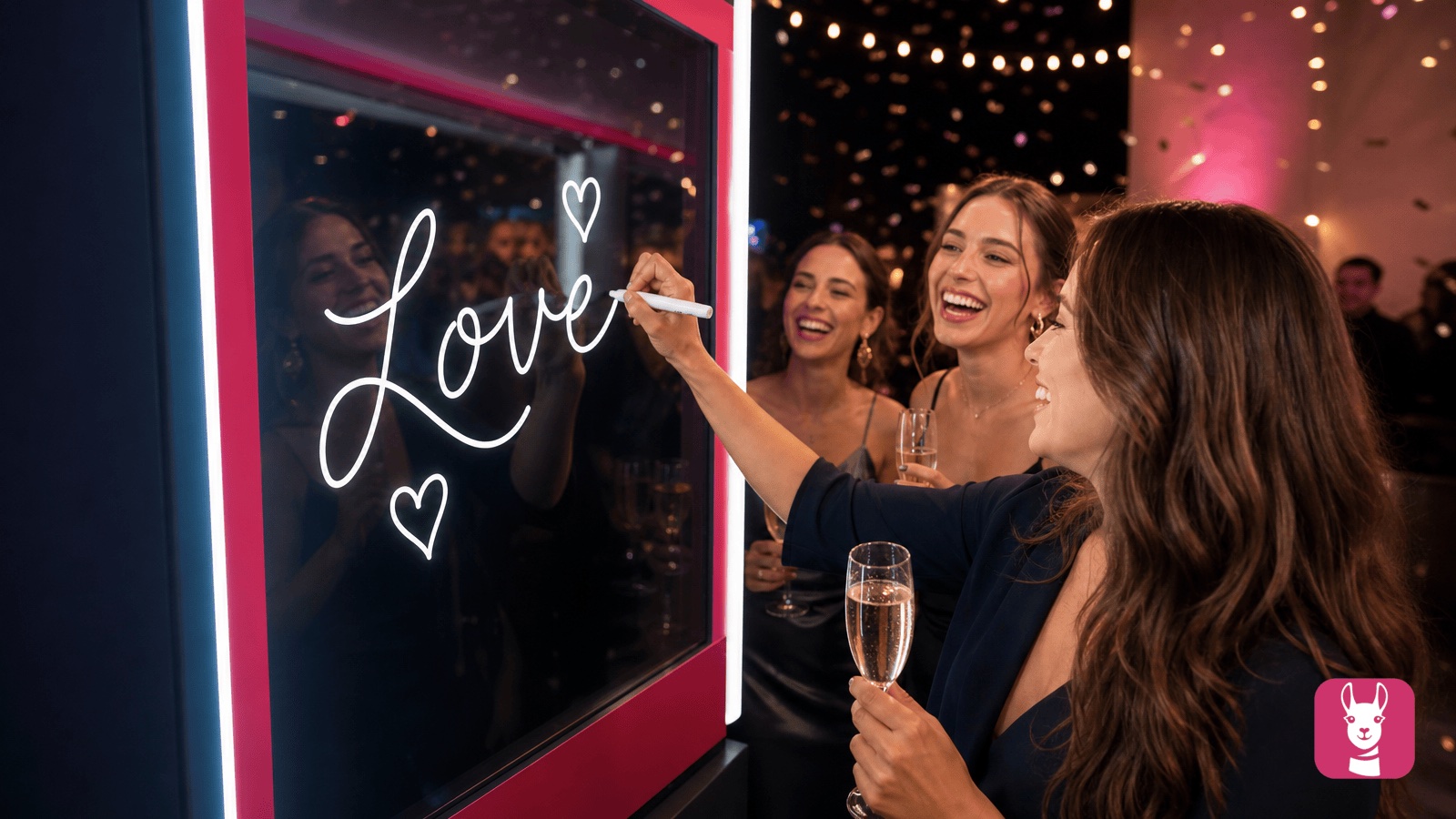
Scribble Booth: Mirrored Photos and Videos in LumaBooth for Windows 8.3.0
August 11, 2026
LumaBooth for Windows 8.3.0 adds mirrored photo and video capture for mirror and scribble booths, de...
Read More