
June 18th, 2019
dslrBooth for Windows v5.29
Capture Multiple Video Clips
Record up to six video clips in a session. The multiple video clips will be combined together at the end of the session to create one complete video. (Settings > Video)
Background Music For Videos
Add an mp3 audio file to your video to add it as background music for the generated videos.
Choose Video Size
Choose between two different video sizes, 1280×720 for faster processing and sharing or 1920×1080 for higher quality.
Drag & Drop Videos
Drag and drop videos up to 60 seconds into the dslrBooth start screen to have them process with the uploaded pre/post roll videos, overlay, and background music.
Cropped Live View for Square GIF & Boomerang
Live view now is now cropped for both square GIFs and Boomerangs so guests know where to position themselves. 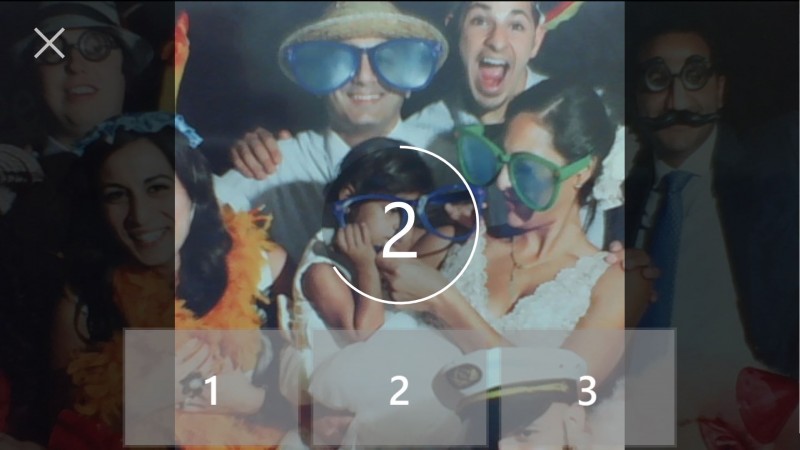
Add Session Number to Template
You can add the session number to the final template (Session Data > Session Number). The session number is a numeric sequence that restarts at zero for every event. 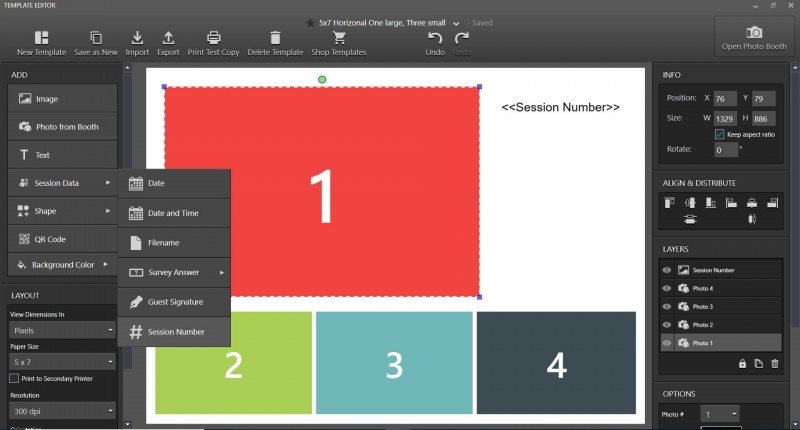
Add Final Filename in Processing Trigger
Add original photo filenames and final photo filename in processing_start Trigger. For video/gif/boomerang session, add final video filename.
Other
- Limit web version of generated video to 9MB so it can be emailed.
- Improve photo quality when using template editor photo borders.
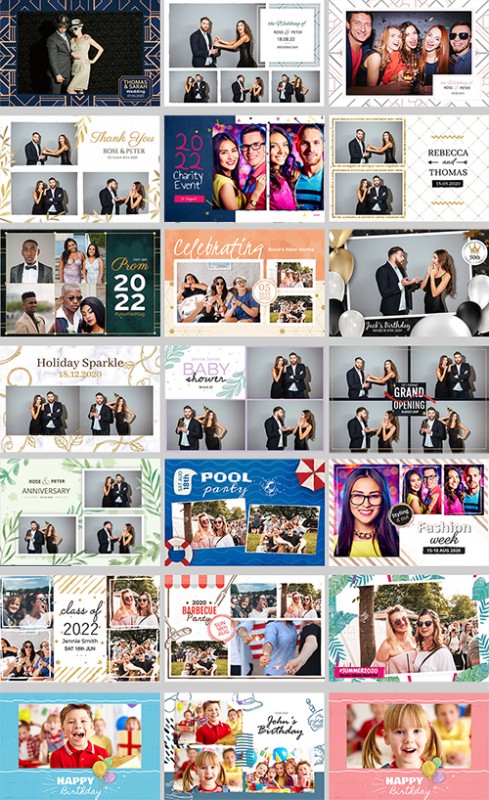
New Templates
Bug Fixes:
- Fix for boomerangs crashing when green screen is enabled but no green screen backgrounds are uploaded.
- Fix for text glitch when added to the template editor.
- Raw images are no longer saved in originals folder if guest dismisses the disclaimer.
- Fix for Booth Copilot not showing any stats when prints have been captured.
- Fix for Print + GIF session printing 2 copies automatically even if only set to 1.
- Repair .NET Framework bug with corrupt fonts.
5.29.0712
- Fix for encoding issues with boomerang/gif/video when region is not United States.
Related Articles
Your Booth, Your Look: Style Every Share Button in LumaBooth for Windows 8.5
November 24, 2026
In LumaBooth for Windows 8.5 every share button gets its own color, caption and position, and a Shar...
Read More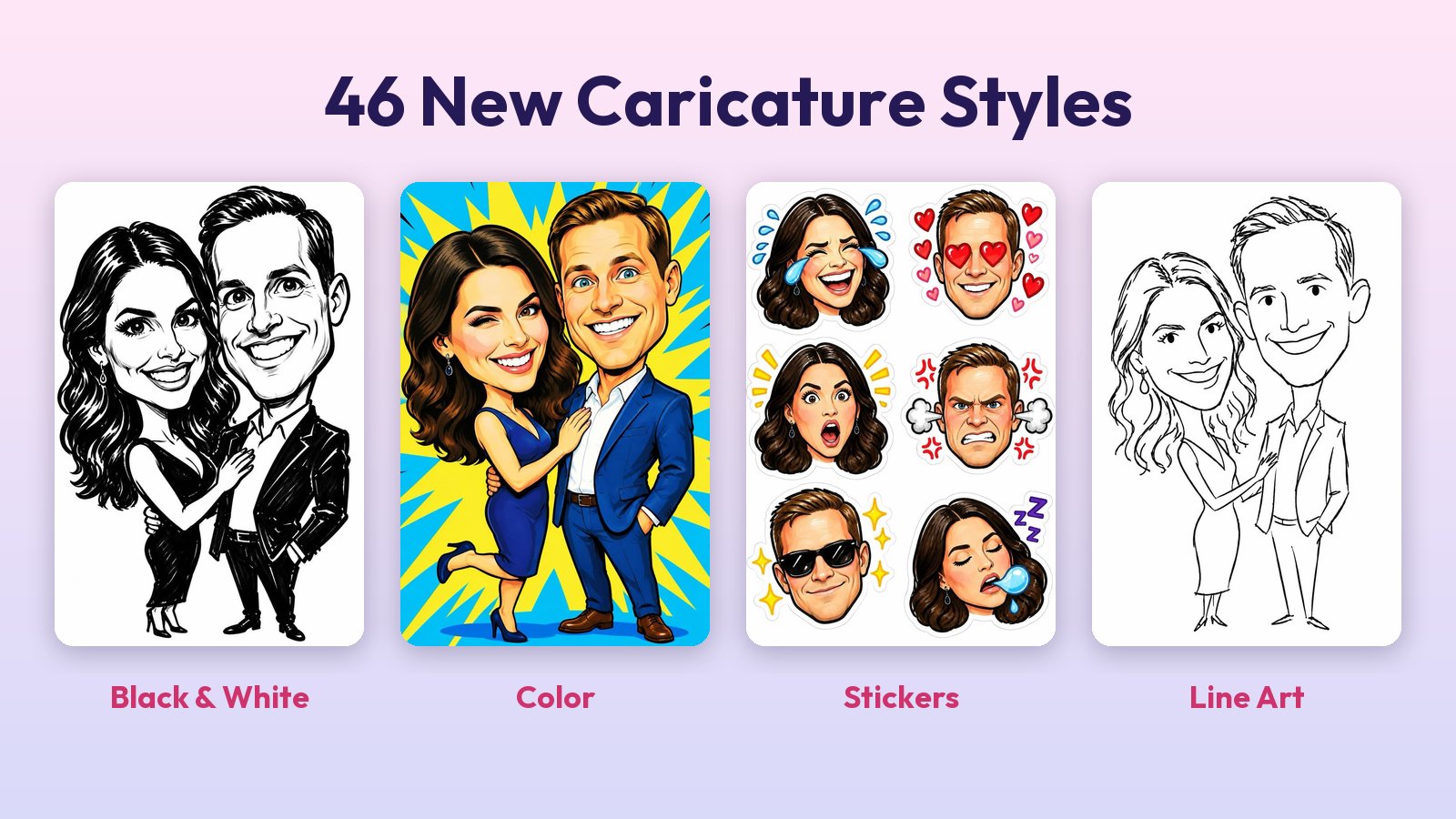
The Caricature Artist Who Never Takes a Break: 46 New AI Portrait Styles
November 17, 2026
AI Portraits now include 46 caricature styles in four categories: Black & White, Color, Sticker...
Read More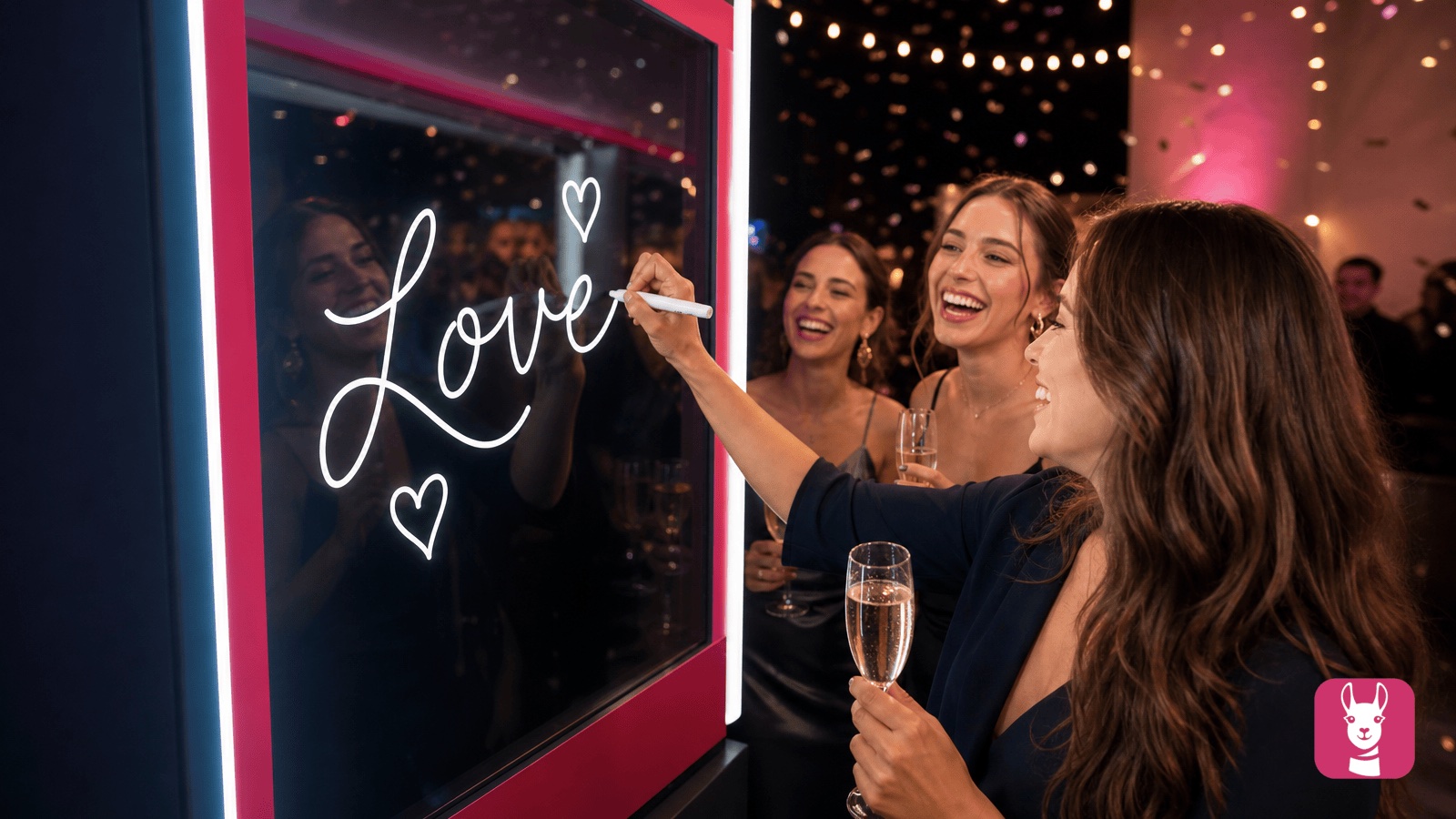
Scribble Booth: Mirrored Photos and Videos in LumaBooth for Windows 8.3.0
August 11, 2026
LumaBooth for Windows 8.3.0 adds mirrored photo and video capture for mirror and scribble booths, de...
Read More