
May 16th, 2013
dslrBooth for Windows v2.1.1.8 – Black/White options

Black/White Images
With wedding season upon us, we’ve received several requests to support black/white images. We have listened and in dslrBooth for Windows, you now have two options for handling black/white both of which can be set under Preferences.
The first option is to convert all images Black/White.
The second option allow users to choose if they’d like their print in color vs black/white. The user gets to see a preview of the final image in both so they can make an informed decision. We never quite understood why other photo booth software forces users to choose color vs black/white before they’ve even started.
If you’re handy and want to wire up some buttons to select color vs black/white. Set the color button to send the C key and set the black/white button to send the B key.
Live View
Also based on popular demand, we’ve changed our live view to show a mirror image of guests so they can easily tell which direction they need to move to.
As always, keep those suggestions coming and help keep dslrBooth the most loved photo booth software out there.
Related Articles
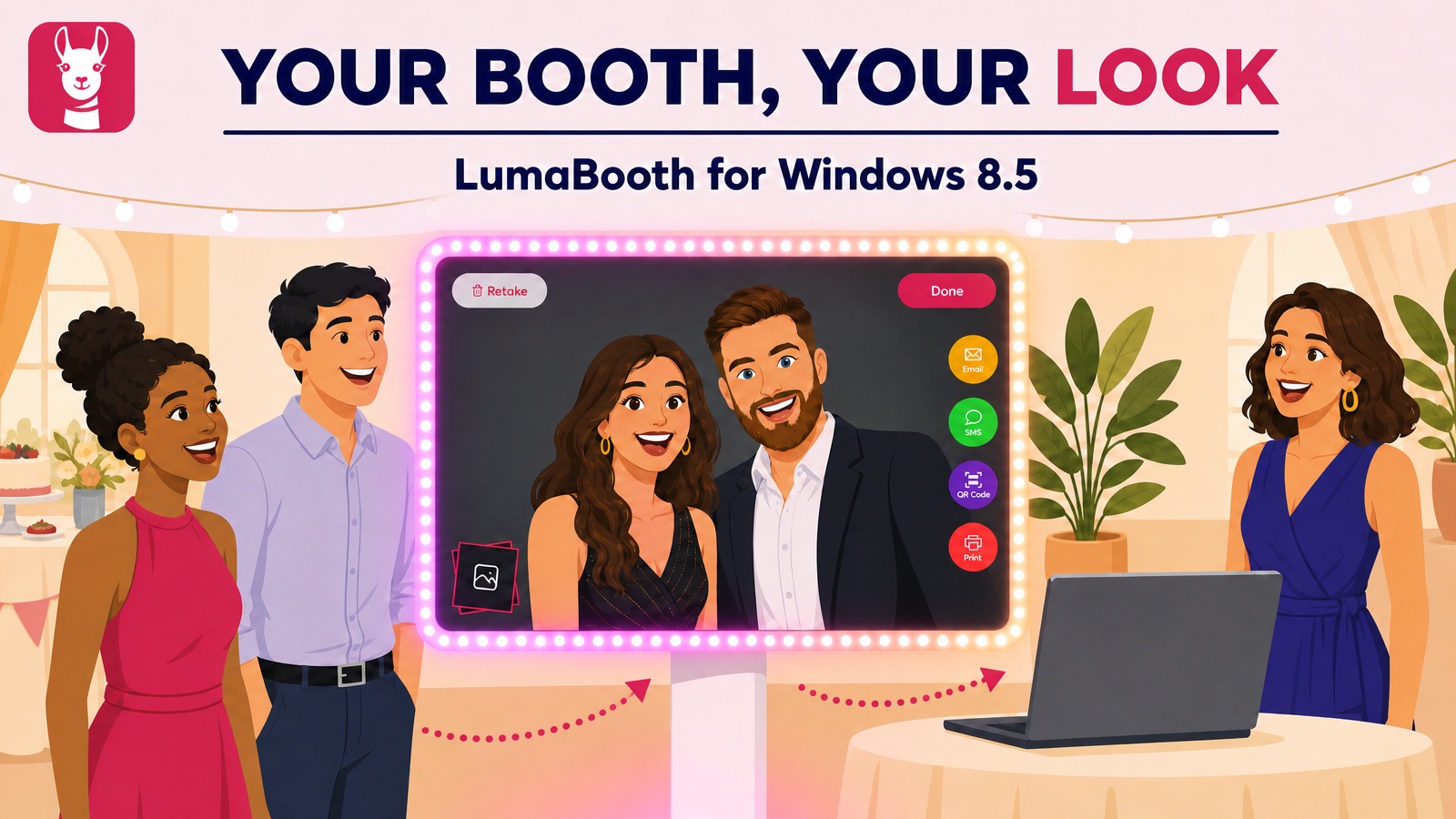
Your Booth, Your Look: Style Every Share Button in LumaBooth for Windows 8.5
November 24, 2026
In LumaBooth for Windows 8.5 every share button gets its own color, caption and position, and a Shar...
Read More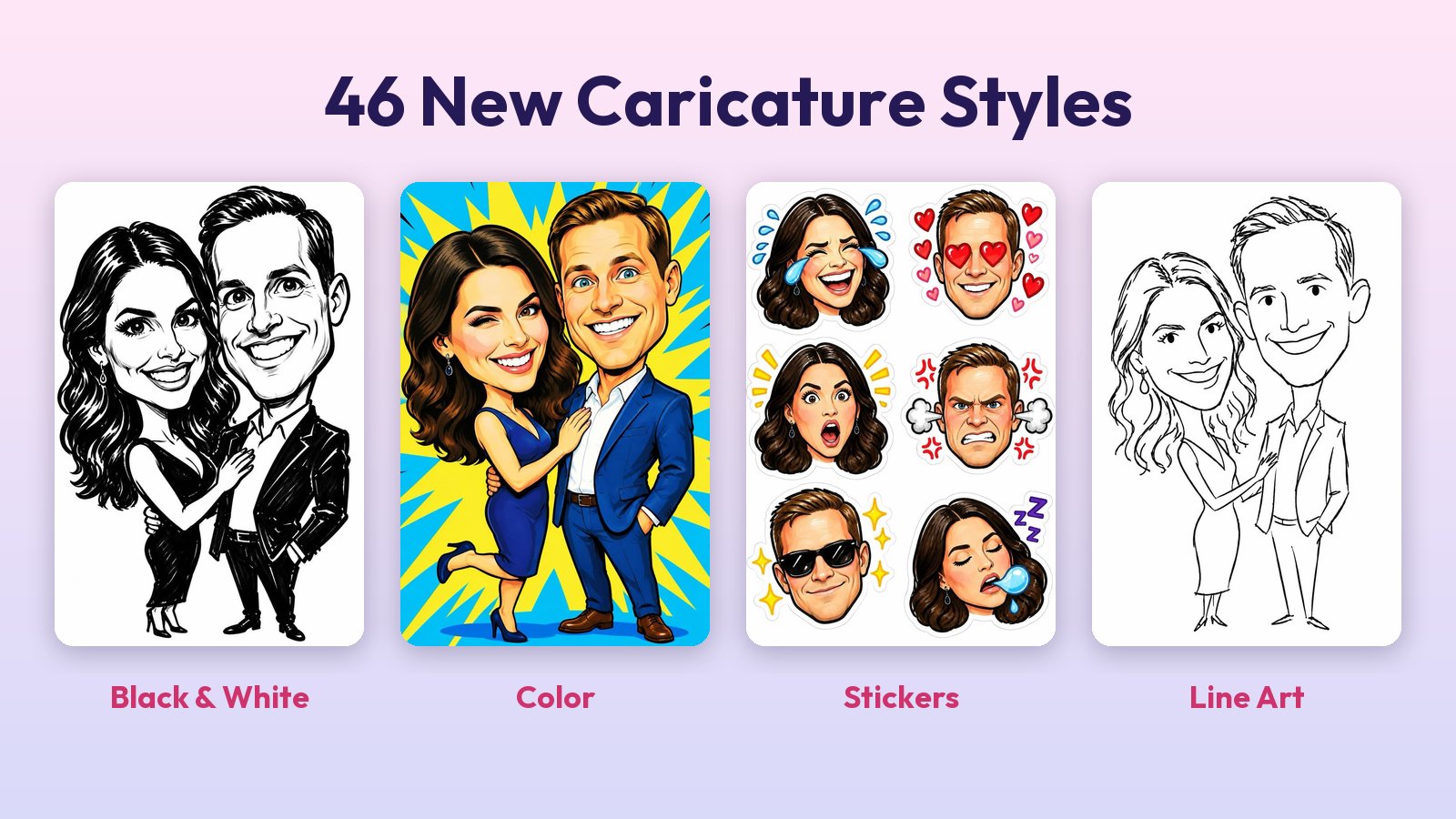
The Caricature Artist Who Never Takes a Break: 46 New AI Portrait Styles
November 17, 2026
AI Portraits now include 46 caricature styles in four categories: Black & White, Color, Sticker...
Read More
Scribble Booth: Mirrored Photos and Videos in LumaBooth for Windows 8.3.0
August 11, 2026
LumaBooth for Windows 8.3.0 adds mirrored photo and video capture for mirror and scribble booths, de...
Read More