
February 9th, 2015
dslrBooth for Windows v4.2.9.1
- Faster processing of final image.
- Support for larger photos on 64bit operating systems.
- Center Final Image if all sharing options are disabled
- Added slideshow option for all photos in current album. Press slideshow option on main menu to open the slideshow. As a bonus, if you have chromecast, open the slideshow in chrome, click Google Cast button and your slideshow will play wirelessly to your tv with the chromecast plugged in.
- Support for Canon EOS 7 Mark II
Related Articles
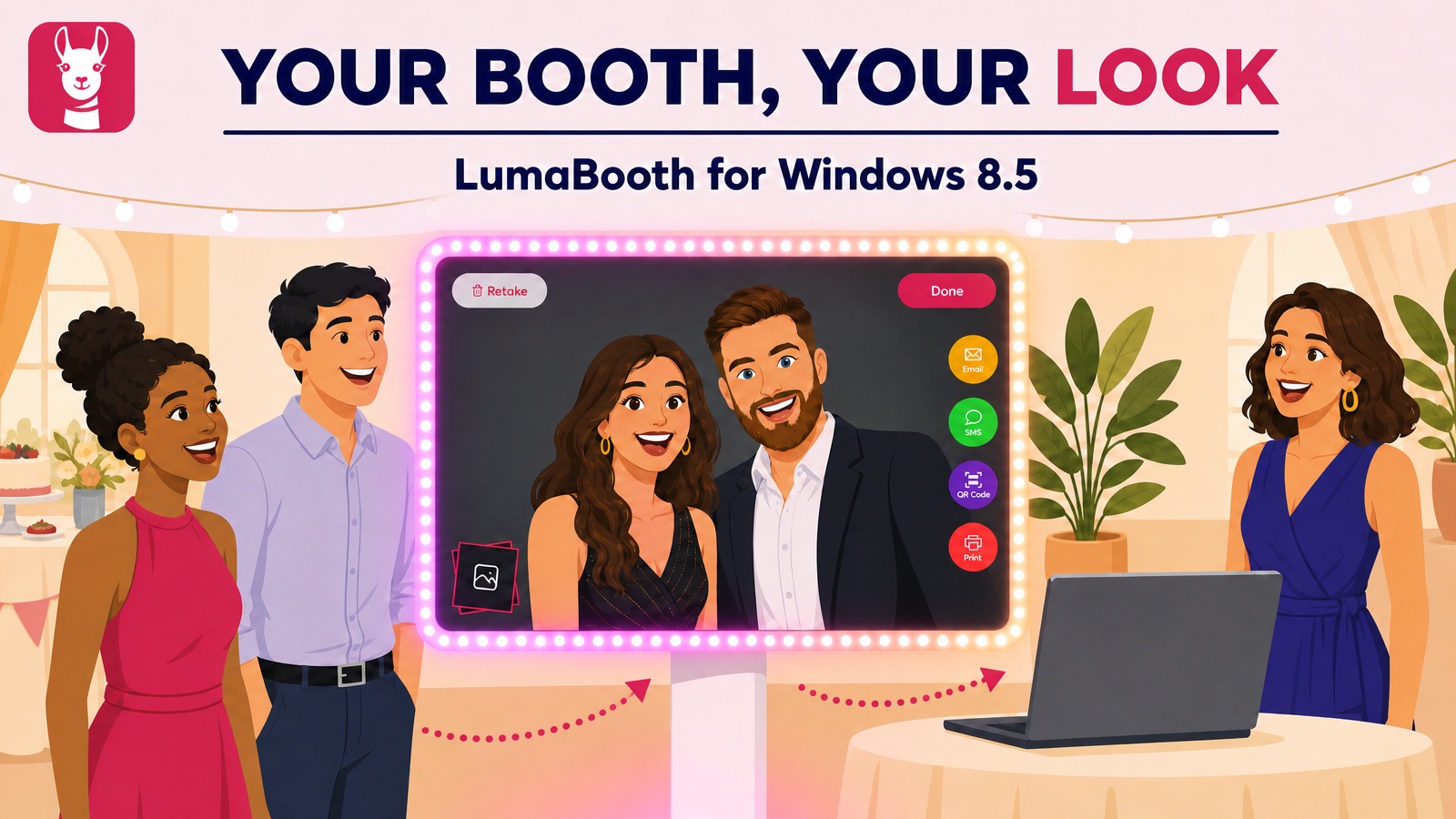
Your Booth, Your Look: Style Every Share Button in LumaBooth for Windows 8.5
November 24, 2026
In LumaBooth for Windows 8.5 every share button gets its own color, caption and position, and a Shar...
Read More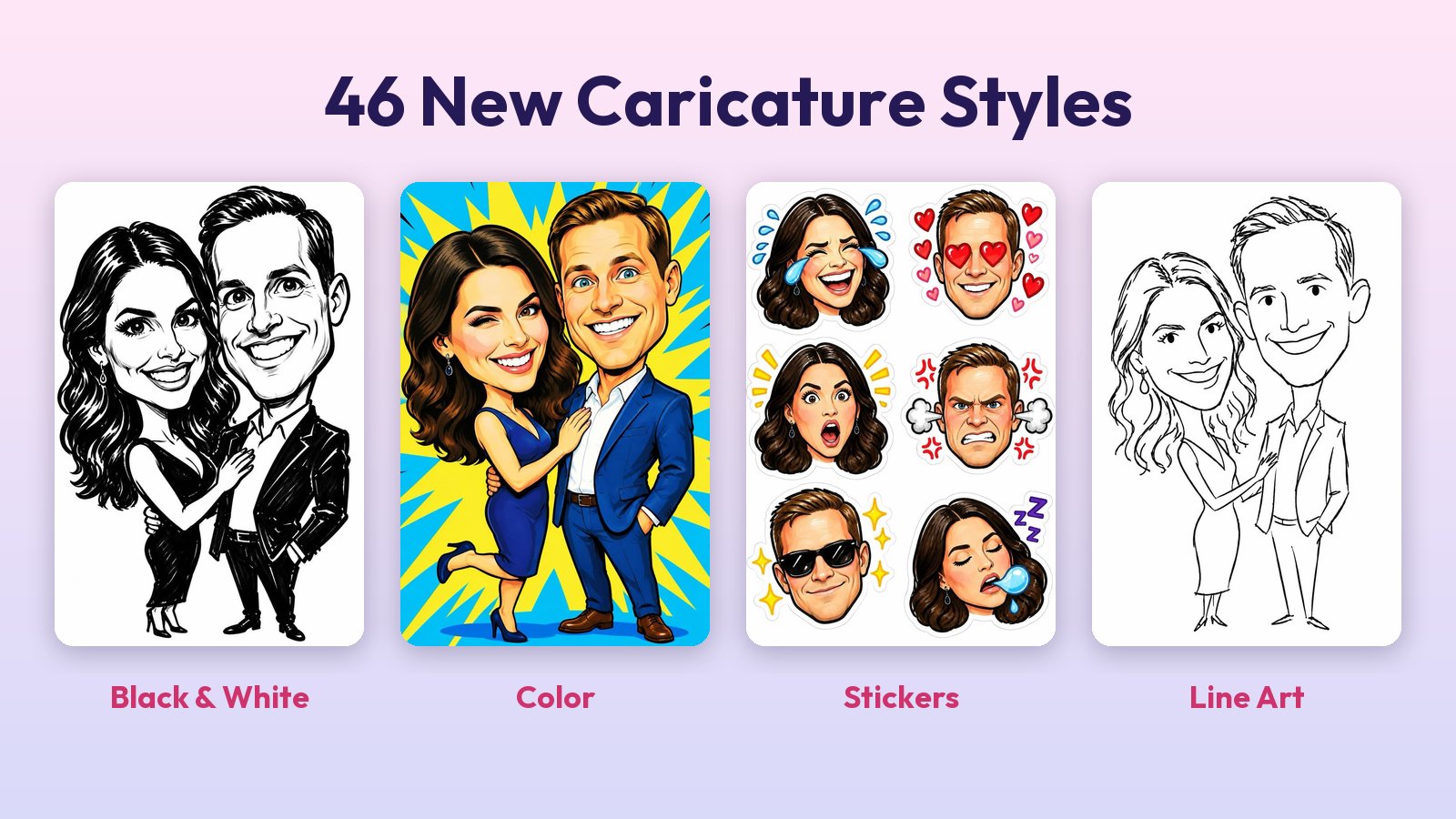
The Caricature Artist Who Never Takes a Break: 46 New AI Portrait Styles
November 17, 2026
AI Portraits now include 46 caricature styles in four categories: Black & White, Color, Sticker...
Read More
Scribble Booth: Mirrored Photos and Videos in LumaBooth for Windows 8.3.0
August 11, 2026
LumaBooth for Windows 8.3.0 adds mirrored photo and video capture for mirror and scribble booths, de...
Read More