
September 15th, 2015
dslrBooth for Windows v4.9.15
New Features
- Create a single 2×6 template that can be printed 2 per page. Choose 2×6 under Branding, Paper Size, then check Print 2 per page.
- Live view can be displayed on the start screen. Enable under Settings, Shooting, Live View, Display on Start Screen.
- Live view can be set to rotate 90, 180, or 270 degrees. Set under Settings, Shooting, Live View, Rotation.
- Pressing P during any screen will silently print an extra copy of the last print.
- Improve notification when printing.
- Add milliseconds to name of print file to allow sorting with original photos.
- New shortcuts: CTRL+F to enter/exit full screen. Backspace/Escape to cancel a session.
- Process multiple photos with green screen by copying and pasting them into dslrBooth data directory.
Bug Fixes
- Optimized placement of virtual keyboard on smaller screens.
- Fix for some PNG overlays not working with Green Screen.
- Better compatibility with Sinfonia CS2 and other printers with faulty printer drivers.
- Fix for handling corrupt fonts.
- Fix for handling photos from some Sony cameras.
Related Articles
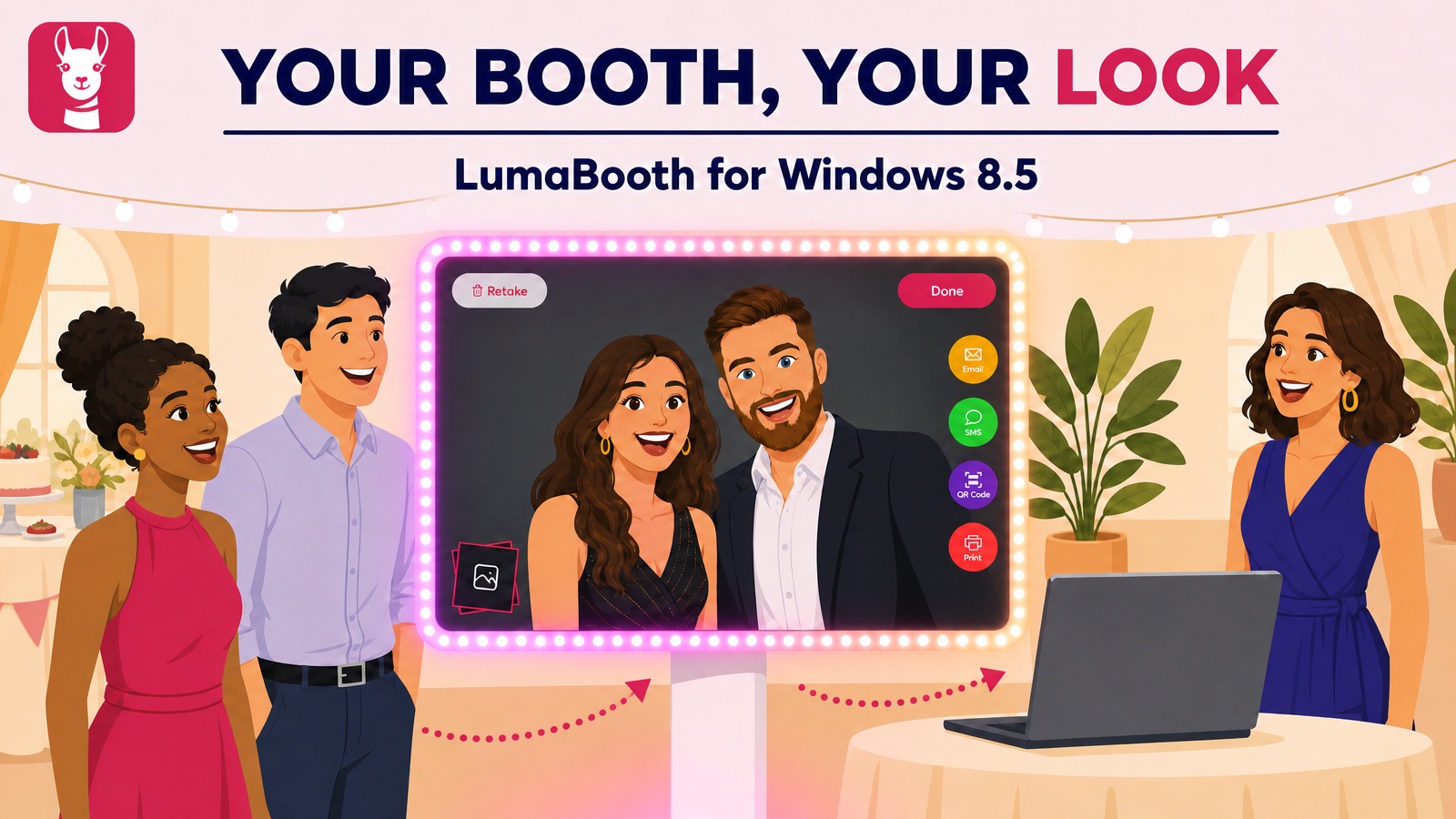
Your Booth, Your Look: Style Every Share Button in LumaBooth for Windows 8.5
November 24, 2026
In LumaBooth for Windows 8.5 every share button gets its own color, caption and position, and a Shar...
Read More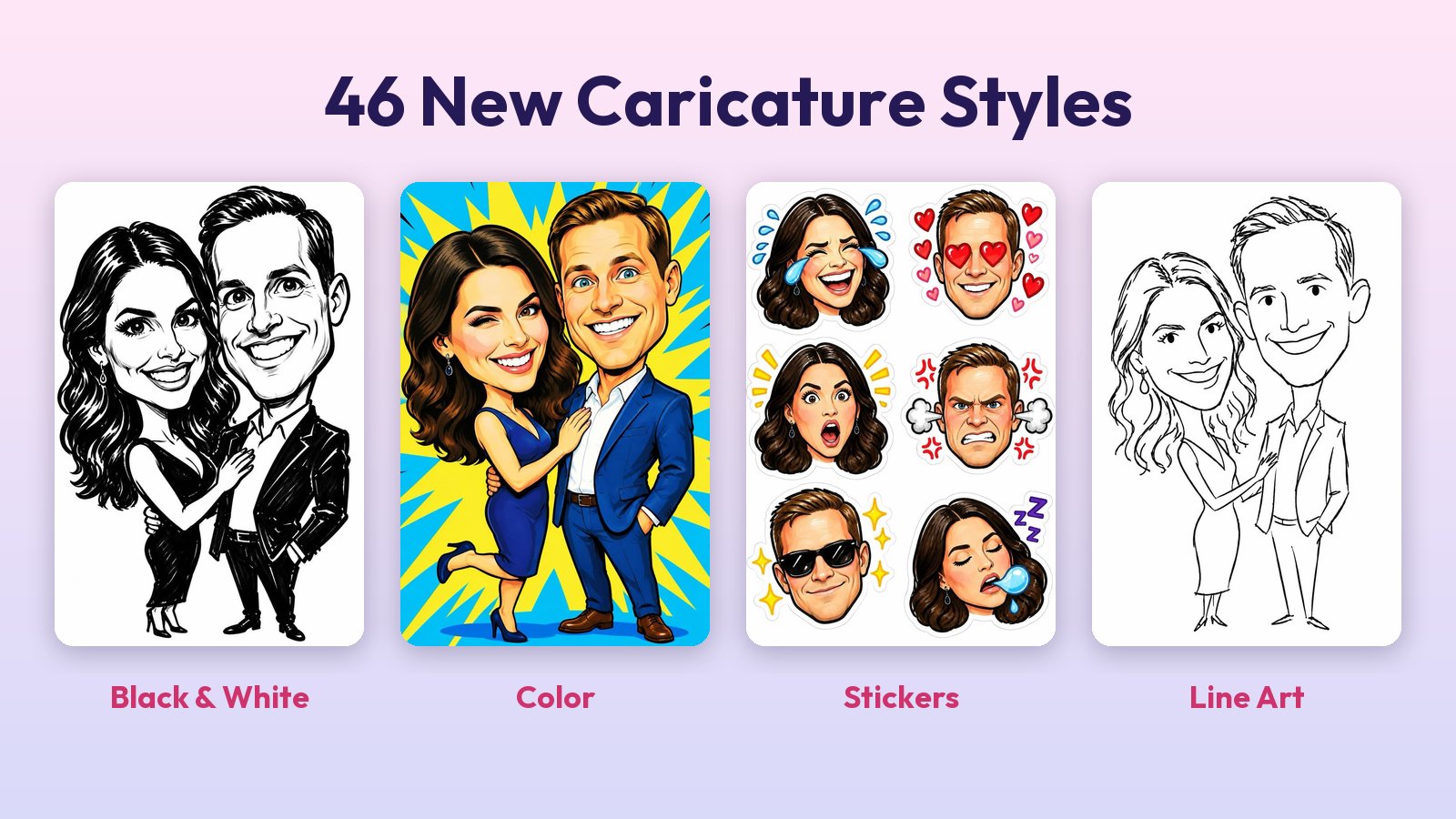
The Caricature Artist Who Never Takes a Break: 46 New AI Portrait Styles
November 17, 2026
AI Portraits now include 46 caricature styles in four categories: Black & White, Color, Sticker...
Read More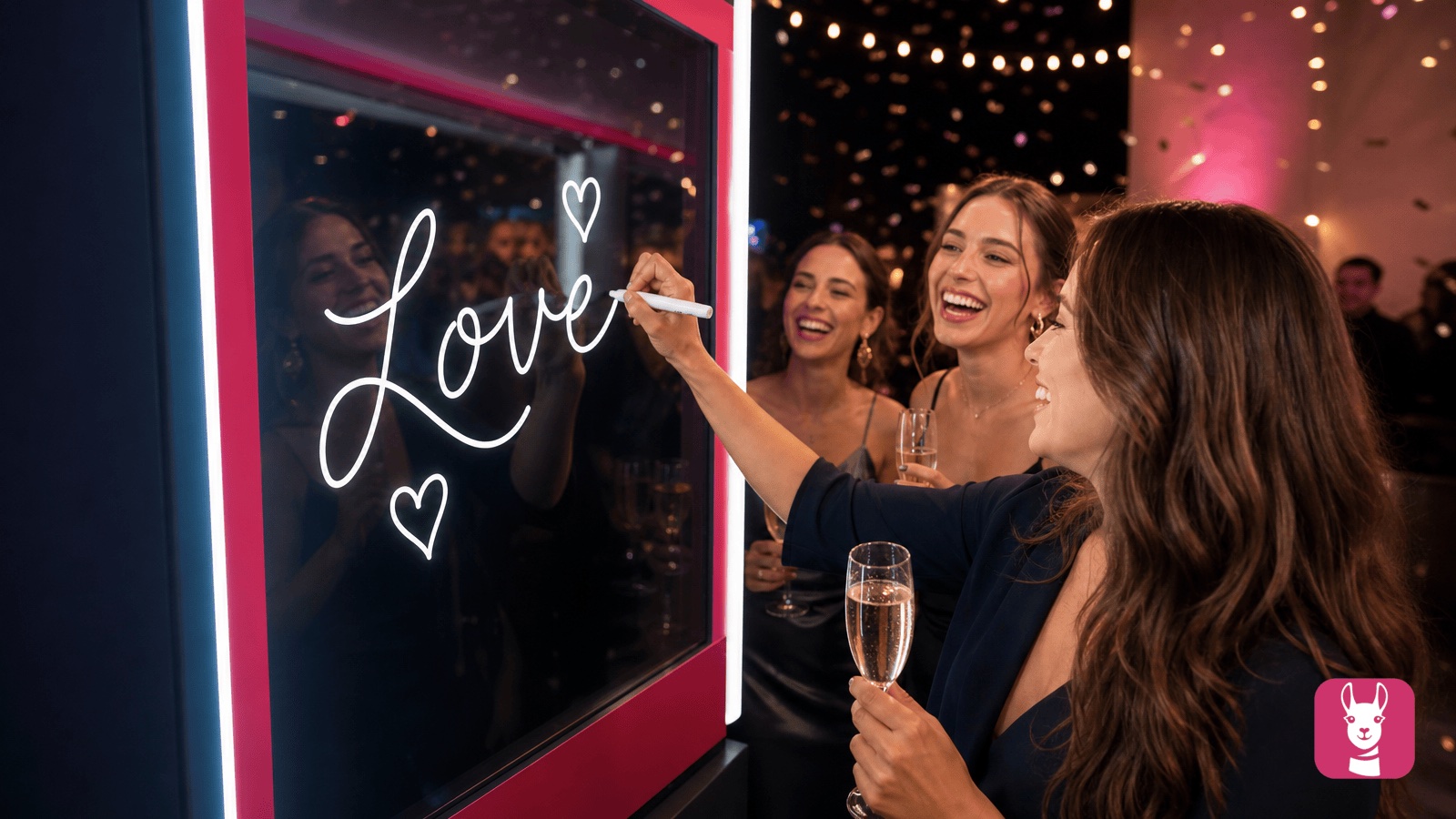
Scribble Booth: Mirrored Photos and Videos in LumaBooth for Windows 8.3.0
August 11, 2026
LumaBooth for Windows 8.3.0 adds mirrored photo and video capture for mirror and scribble booths, de...
Read More