
January 22nd, 2019
dslrBooth for Windows: v5.26
Webcam Video Recording
Record up to 60 second videos using your computer’s built in webcam or an external webcam. You can also now select an audio source such as the webcam microphone or an external high quality microphone.
Add Pre-Roll, Post-Roll, and Overlays to Videos
Select a Pre-roll and Post-roll video as well as overlay which automatically gets added to your guests’ video. Settings > Video.
Vertical Scrolling for Templates
Scroll up and down when selecting a template from the start screen when using a vertical screen. Ideal for mirror booth photo booths.

Trigger Improvements – Printer & File Upload Events
If you use triggers to process events from dslrBooth, you will now receive additional data when printing or when any uploads occur from dslrBooth.
- Added file name, # of prints, printer name to printing event_type. printing: {filename} {num_prints} {printer_name}
- Added a new file_upload event type that’s triggered when any file is uploaded by dslrBooth. file_upload: {filename} {upload_url} {file_type} {album_name}.
Bug Fixes:
- Improved quality for Logitech Brio webcam. Max resolution is now 1920×1080.
- Fix for wrong session type start icon showing when new session is started.
- Fix for selecting green screen background when virtual attendant is on.
- Fix for green screen using next background when guest retakes image.
- Fix for boomerang not reversing automatically.
- Other minor bug fixes.
5.26.0129
- Fix for Logi Capture virtual webcam causing other webcams to fail loading.
5.26.0206
- Fix for webcam rotation not correctly applying to captured photos. Fix for captured webcam photos that were mistakenly mirrored.
5.26.0207
- Fix for having to click start screen twice to start a session when running Virtual Attendant with a start screen animation and only 1 booth mode set.
Related Articles
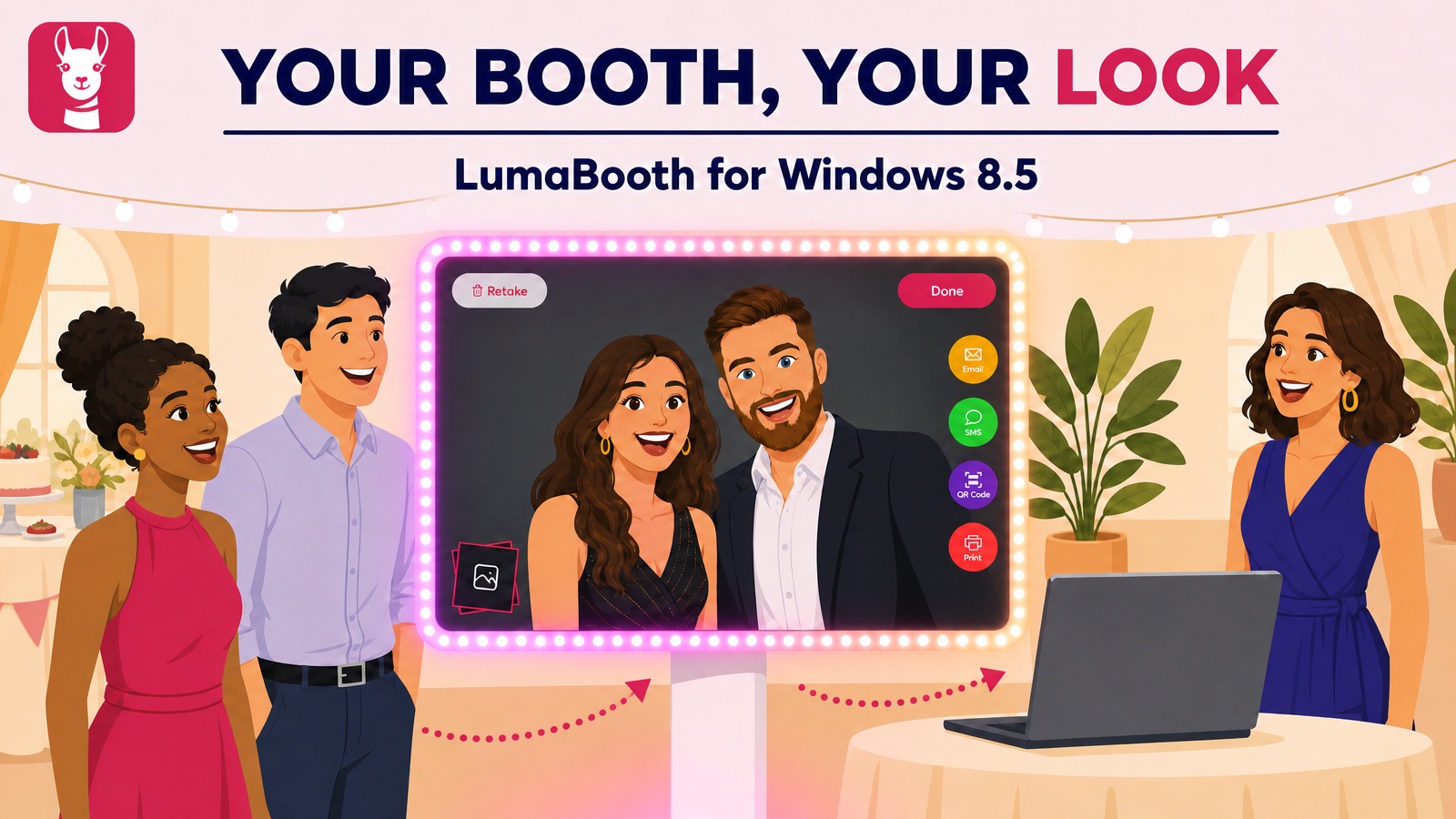
Your Booth, Your Look: Style Every Share Button in LumaBooth for Windows 8.5
November 24, 2026
In LumaBooth for Windows 8.5 every share button gets its own color, caption and position, and a Shar...
Read More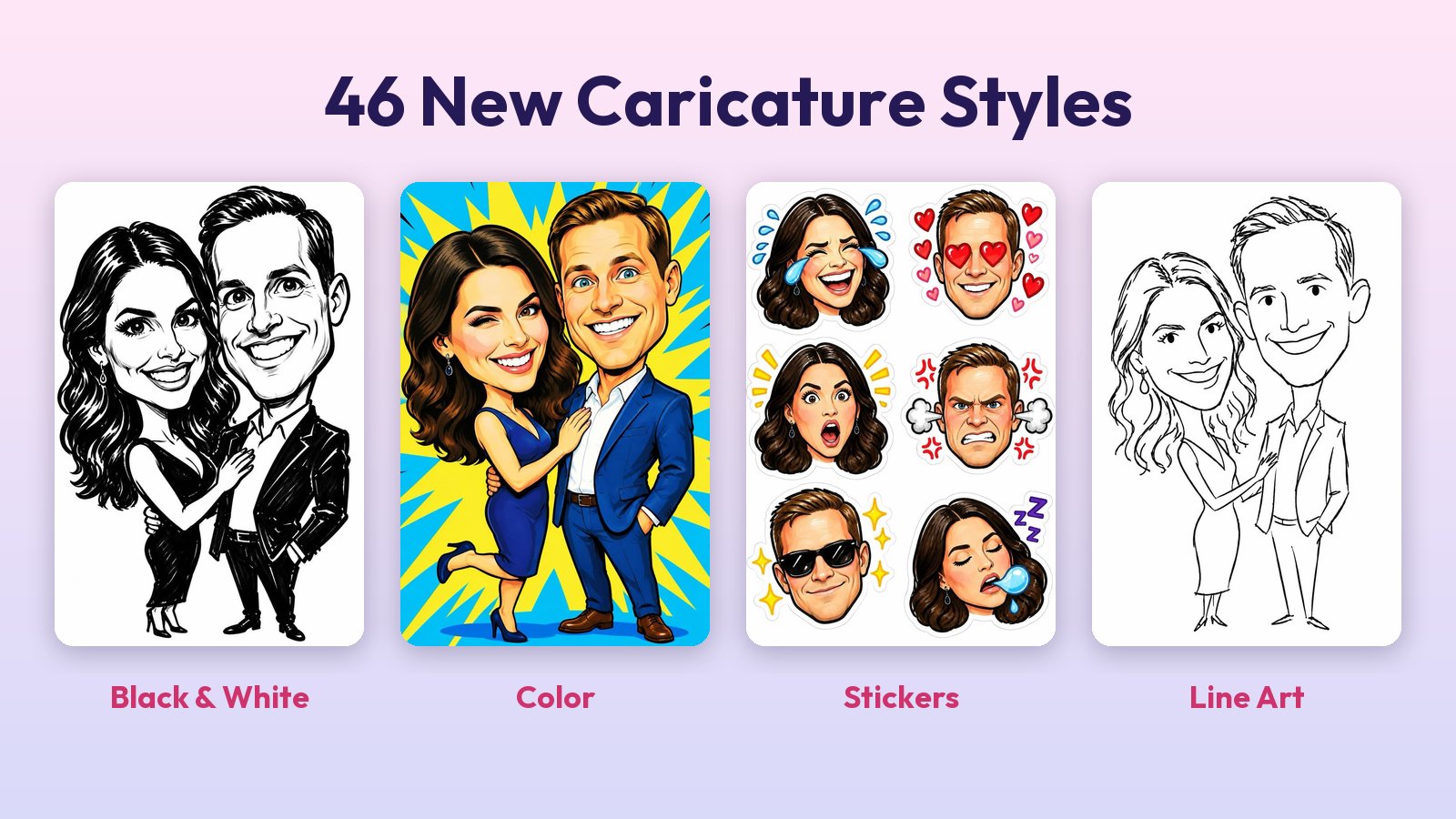
The Caricature Artist Who Never Takes a Break: 46 New AI Portrait Styles
November 17, 2026
AI Portraits now include 46 caricature styles in four categories: Black & White, Color, Sticker...
Read More
Scribble Booth: Mirrored Photos and Videos in LumaBooth for Windows 8.3.0
August 11, 2026
LumaBooth for Windows 8.3.0 adds mirrored photo and video capture for mirror and scribble booths, de...
Read More