May 4th, 2016
dslrBooth for Windows v5.4.30
Updates included in this release:
- Allow sorting of green screen backgrounds by dragging and dropping from Green Screen window.
- App will now remember the last used green screen and default to it for a new session.
- Add button to print a test copy from the template editor.
- Add additional placeholder fields to be used in HTML E-mail Templates. Image Page URL (fotoshare_url) and (attached_image_url). Removed character limit on email template. These changes should allow for much more flexibility when designing email templates.
- Properly handle margins when printing with printers that can choose between borderless and bordered prints.
- Better layout of sharing buttons on smaller screens.
- Enlarge hotspot for entering/exiting full screen for smaller screens.
- Add Keyboard shortcuts for choosing a template on the start screen (Right/Left/Space or Enter).
- Disable Virtual Keyboard on Settings window.
- Gallery of previous prints now displays photos sorted from newest to oldest.
- Display loading graphic while sharing to guest’s facebook wall.
- Fix space bar not working after printing.
- Disable setting of data directory to network share.
- Bug fix for issues with older Canon cameras that did not support liveview.
- Template Editor bug fixes.
Related Articles
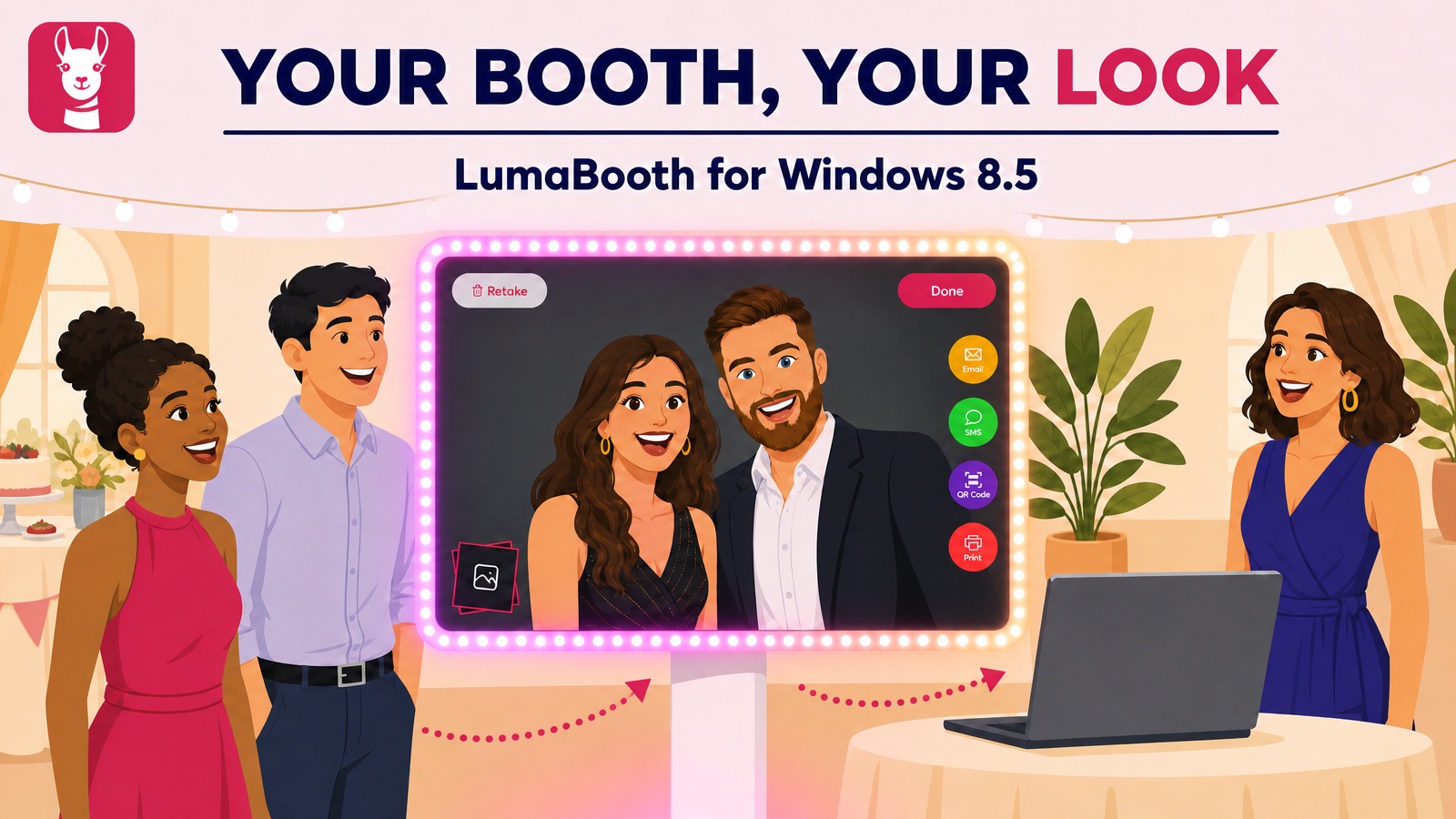
Your Booth, Your Look: Style Every Share Button in LumaBooth for Windows 8.5
November 24, 2026
In LumaBooth for Windows 8.5 every share button gets its own color, caption and position, and a Shar...
Read More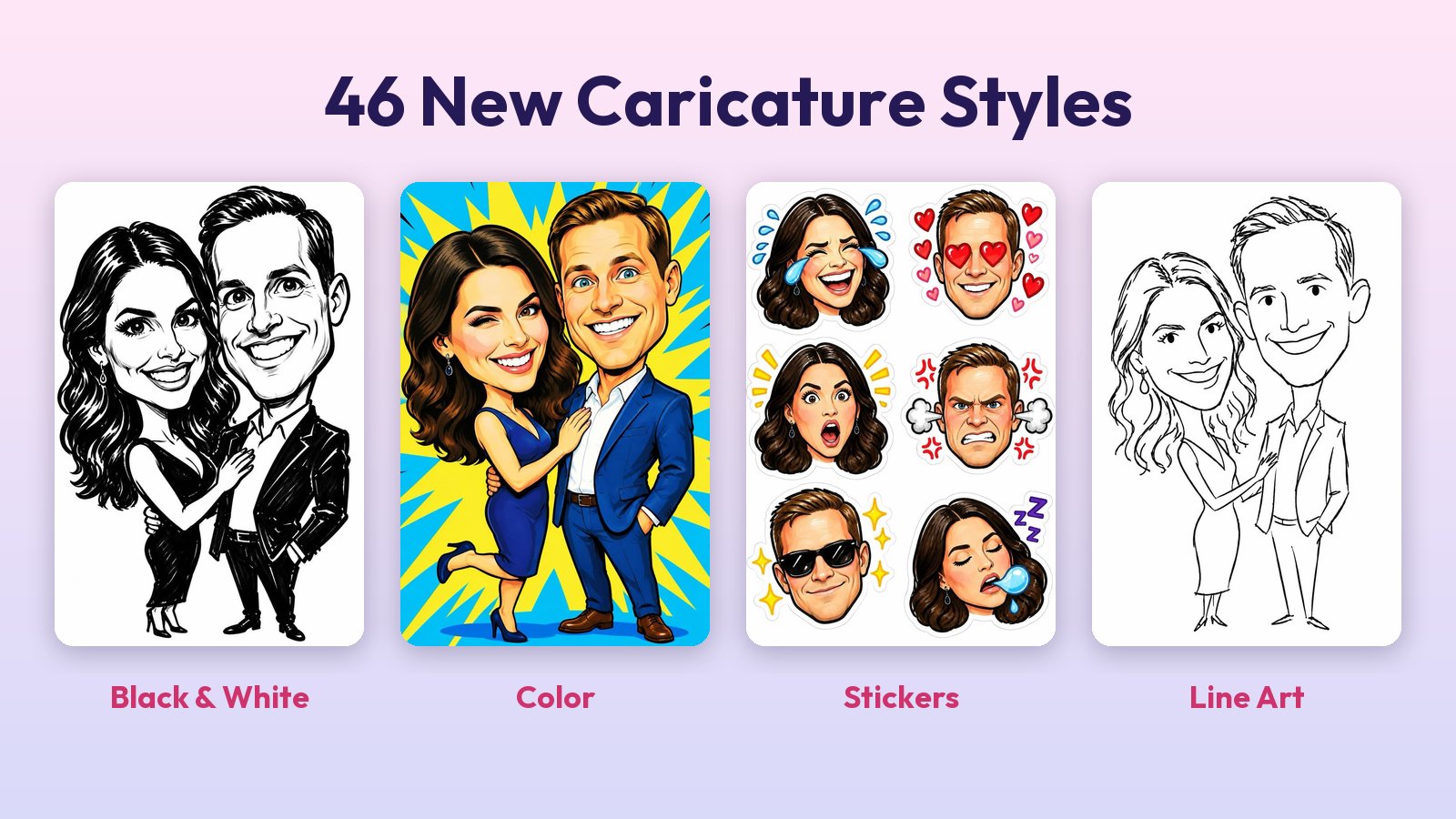
The Caricature Artist Who Never Takes a Break: 46 New AI Portrait Styles
November 17, 2026
AI Portraits now include 46 caricature styles in four categories: Black & White, Color, Sticker...
Read More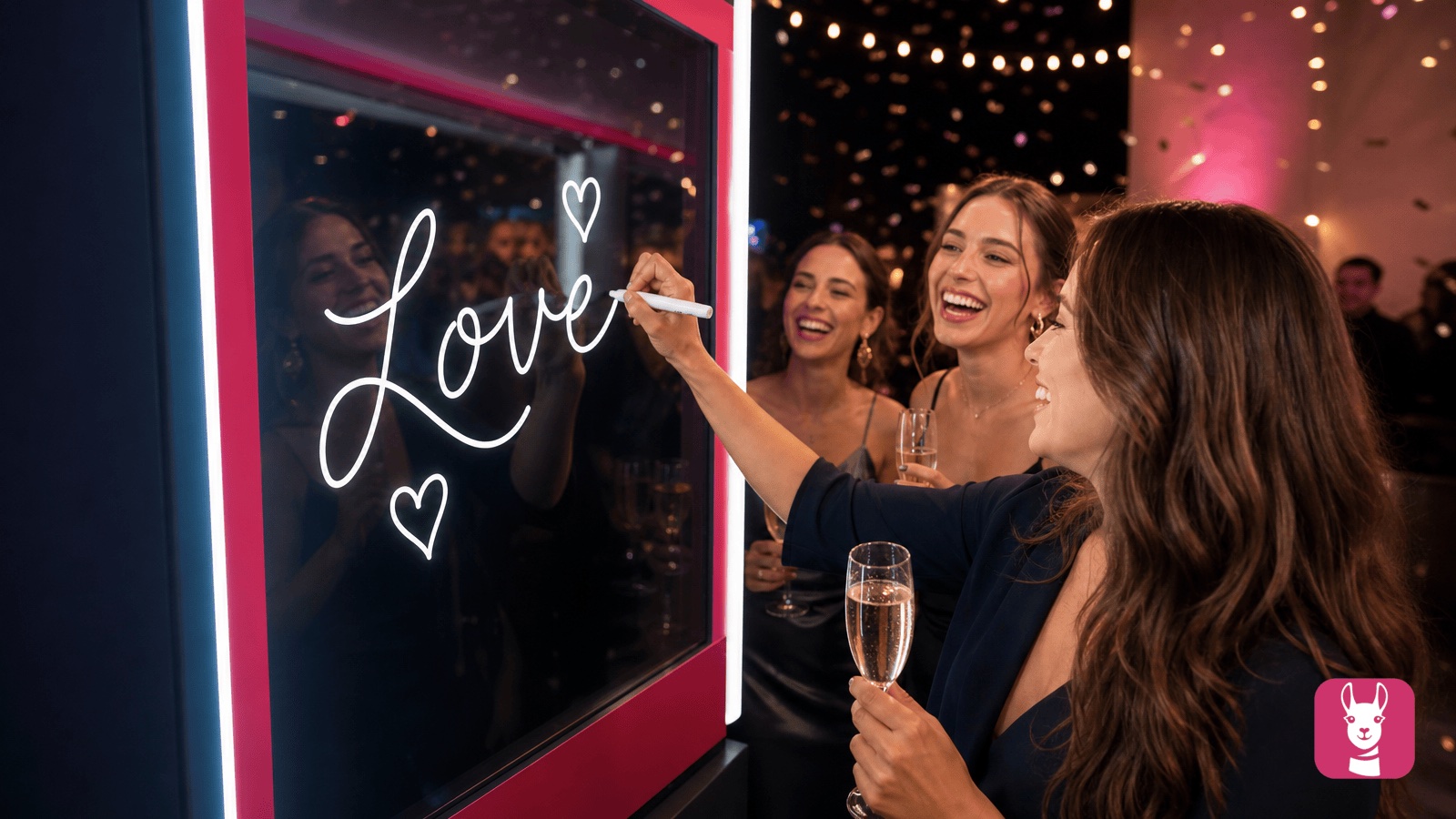
Scribble Booth: Mirrored Photos and Videos in LumaBooth for Windows 8.3.0
August 11, 2026
LumaBooth for Windows 8.3.0 adds mirrored photo and video capture for mirror and scribble booths, de...
Read More