
August 2nd, 2016
dslrBooth for Windows v5.7.31
New features in this release:
- Add survey answers and image data such as date and filename to prints. Template Editor, Add Image Data.
- Set GIF animation speed. Settings, GIF, Delay Between Frames
- Drag and drop multiple GIF overlays.
- Set opacity for home screen unlock button under Settings, Display, Start Screen, Unlock Button.
- Set transparent window for facebook page approval window.
- Fix for some Canon cameras randomly disconnecting/freezing on capture screen.
- Fix Template Editor test print for 2×6 2 per page.
- Fix for recording video with specific Canon camera models.
- Display effects window on same monitor as main window.
- Fix for photo/video clipping on narrow screens.
Related Articles
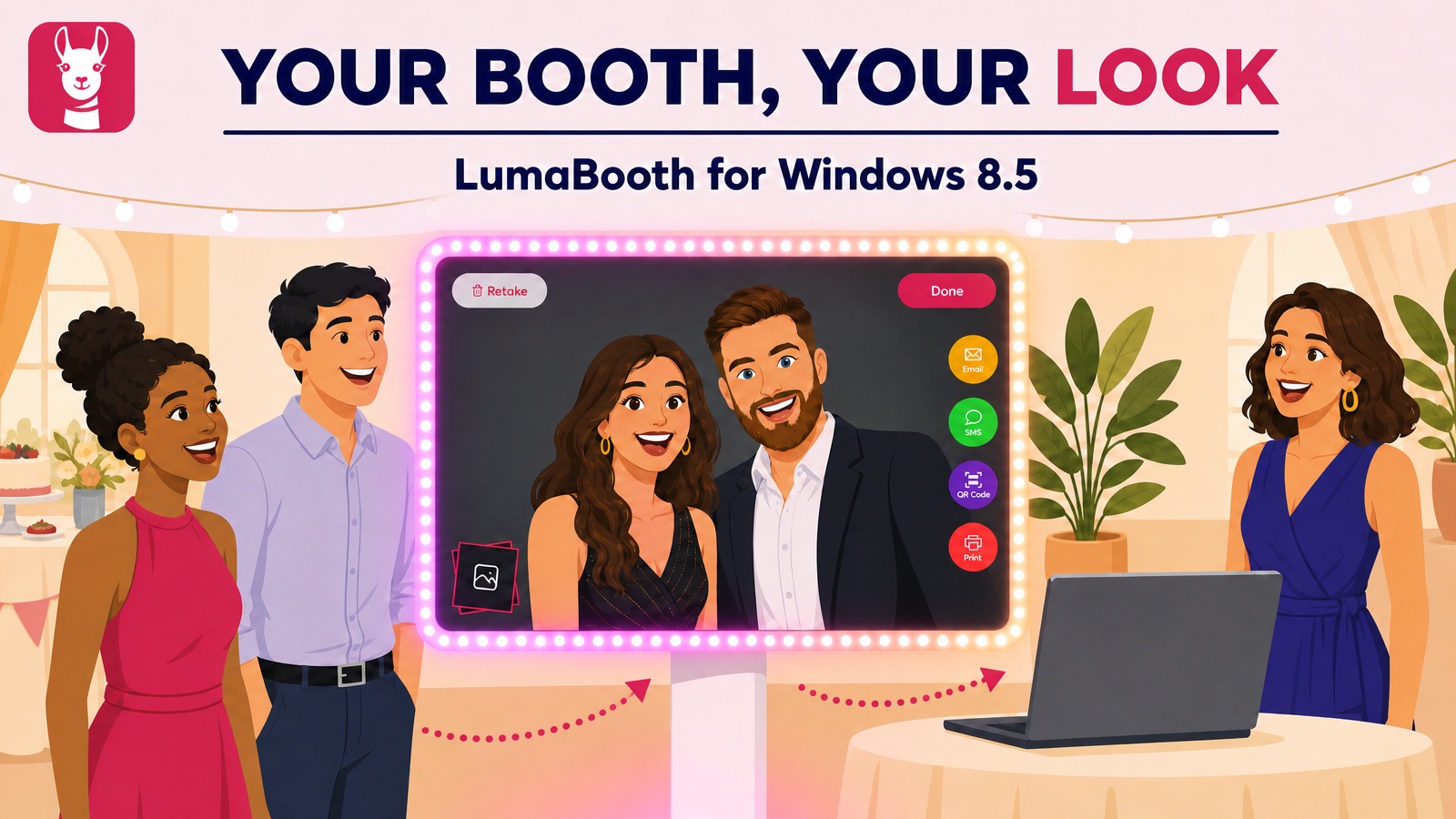
Your Booth, Your Look: Style Every Share Button in LumaBooth for Windows 8.5
November 24, 2026
In LumaBooth for Windows 8.5 every share button gets its own color, caption and position, and a Shar...
Read More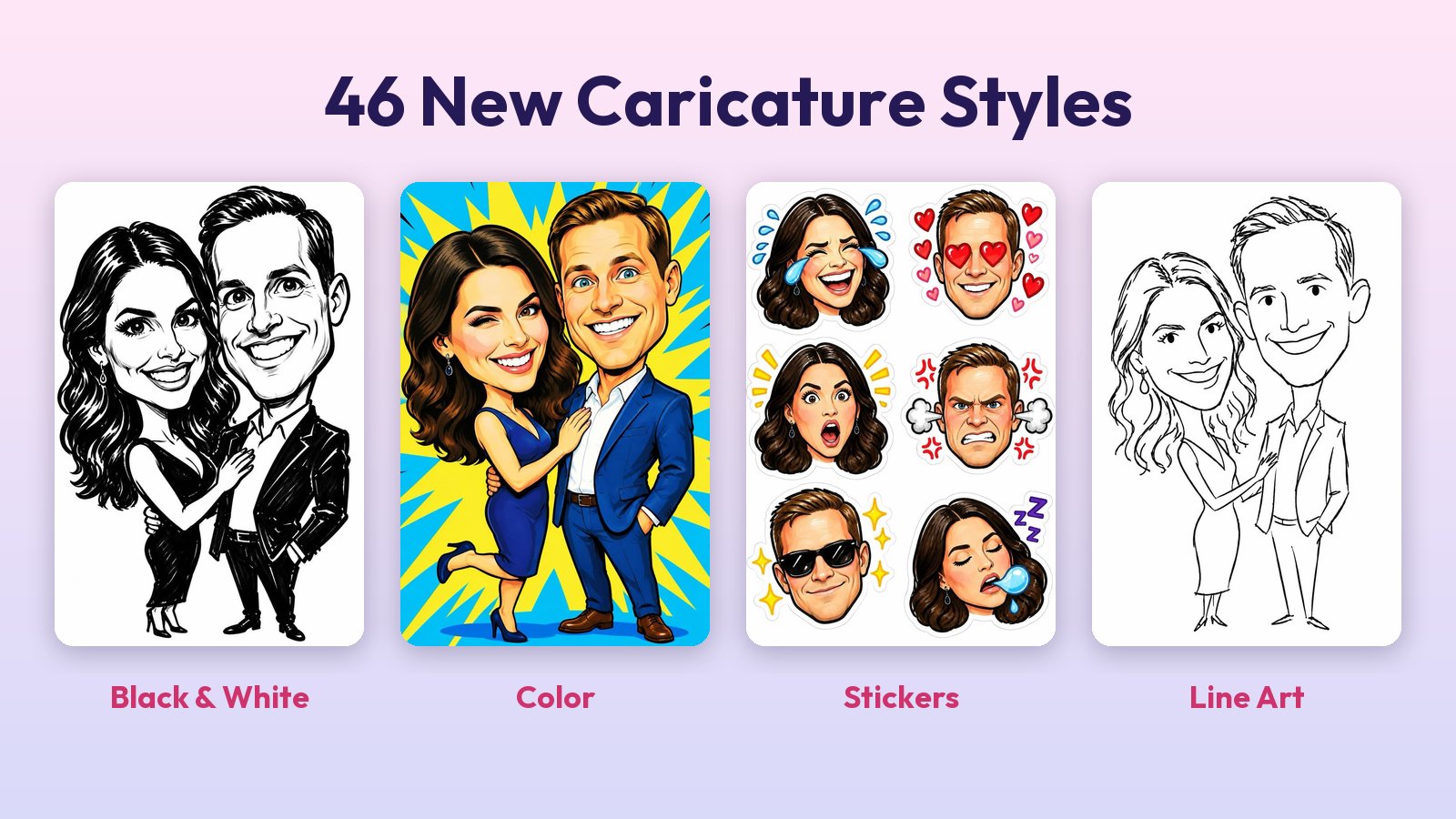
The Caricature Artist Who Never Takes a Break: 46 New AI Portrait Styles
November 17, 2026
AI Portraits now include 46 caricature styles in four categories: Black & White, Color, Sticker...
Read More
Scribble Booth: Mirrored Photos and Videos in LumaBooth for Windows 8.3.0
August 11, 2026
LumaBooth for Windows 8.3.0 adds mirrored photo and video capture for mirror and scribble booths, de...
Read More