April 27th, 2017
LumaBooth Update v1.4.1
Browse previous prints and GIFs from the start screen
Previously taken photos and gifs will now appear in the upper left hand corner of the screen. Guests can click on the photos to share them.
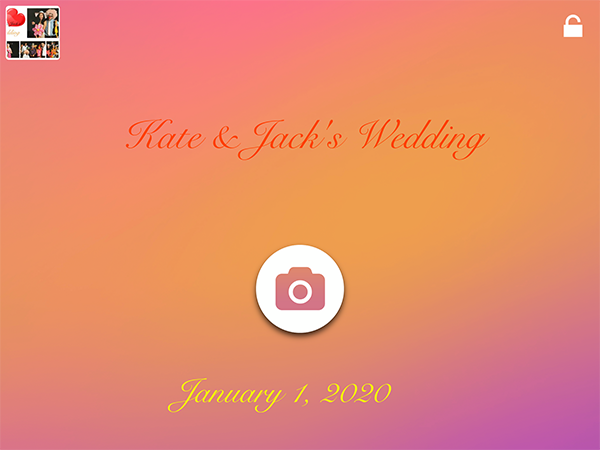
Edit Start Screen
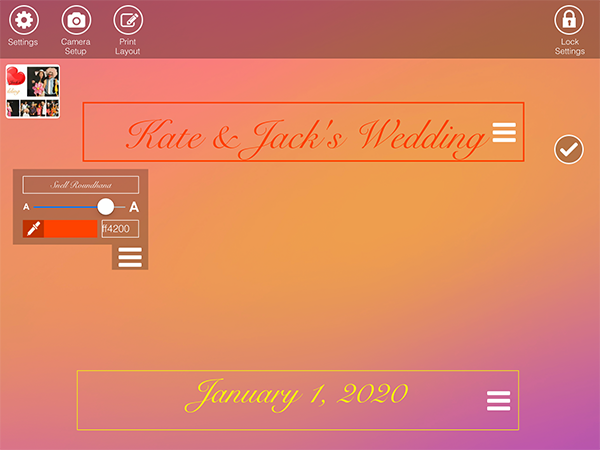
Have more control over the look of your start screen. Click on the checkmark to edit the color, font and size of your text. Move the text to your desired place on the screen.
Improved template editor when working with transparent images
Transparent images now allow you to click on photos and text behind them, allowing for no interference with the images.
Fix for MP4 orientation correction when iPad is upside down
Mp4s and GIFs will now appear right side up when iPad is upside down.
Related Articles
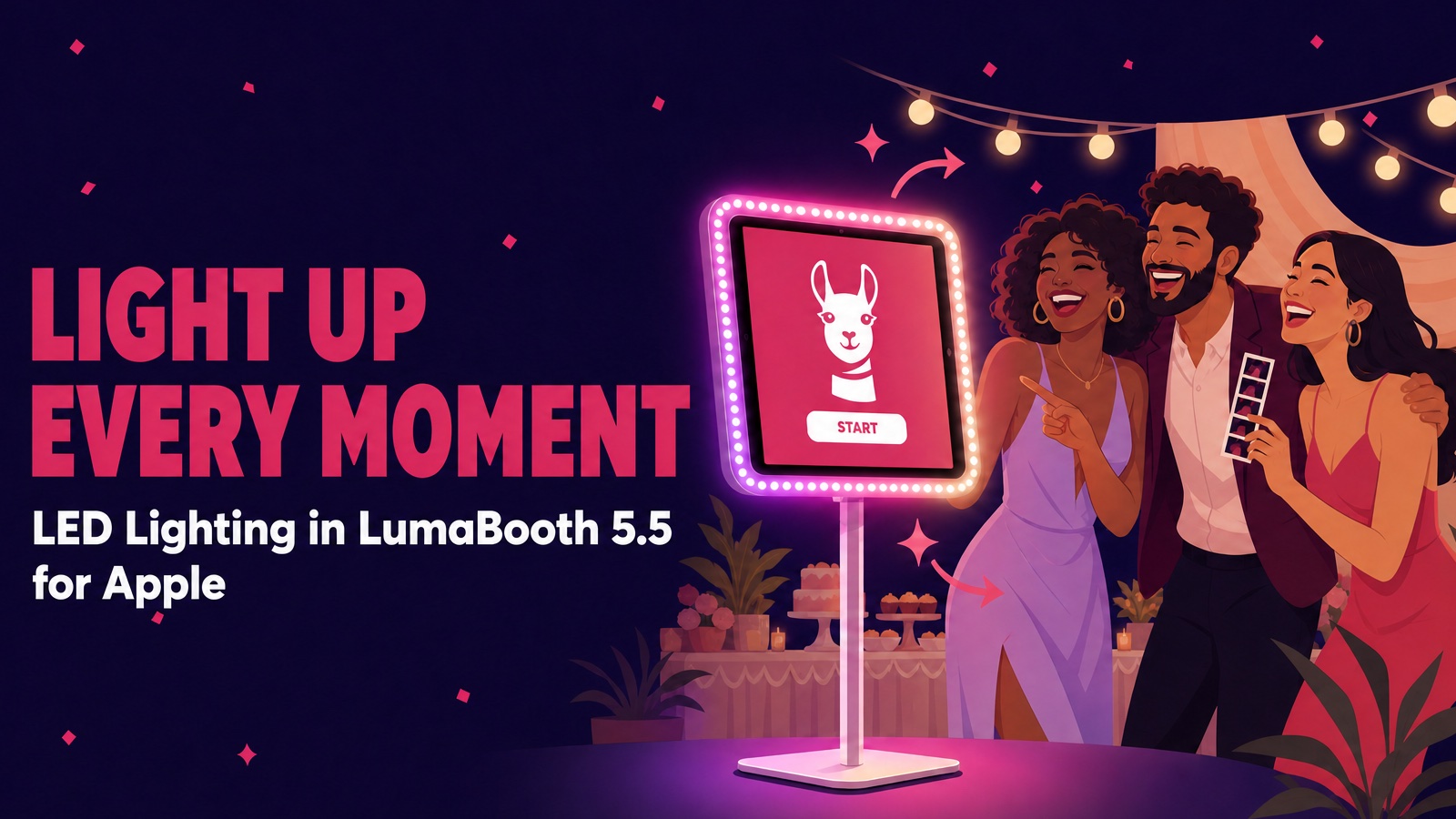
Your Booth Just Learned to Glow: LED Lighting and One Screen Editor in LumaBooth 5.5
November 24, 2026
LumaBooth 5.5 adds LED lighting that follows your guests, one Screen Editor for Welcome, Capture and...
Read More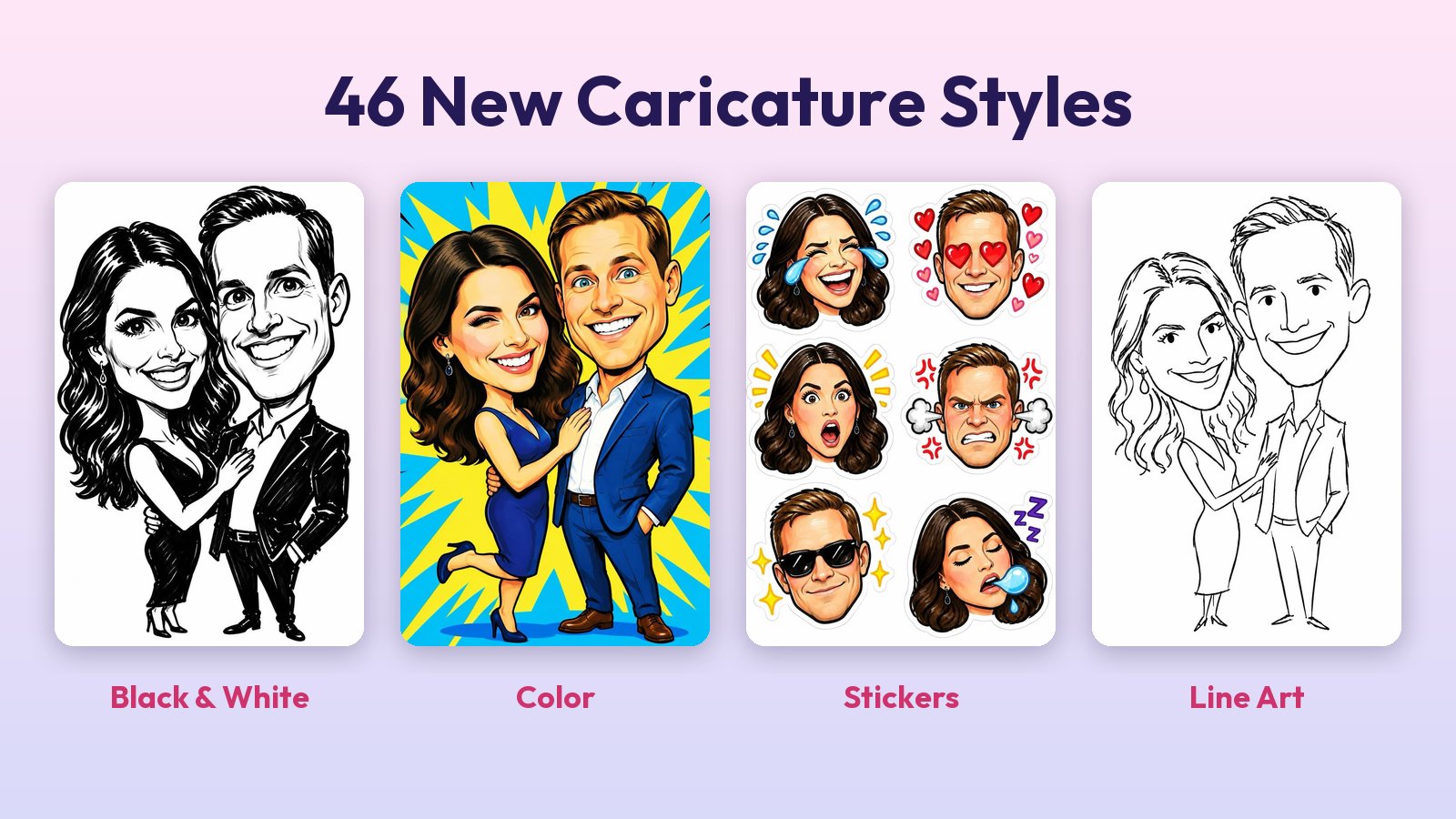
The Caricature Artist Who Never Takes a Break: 46 New AI Portrait Styles
November 17, 2026
AI Portraits now include 46 caricature styles in four categories: Black & White, Color, Sticker...
Read More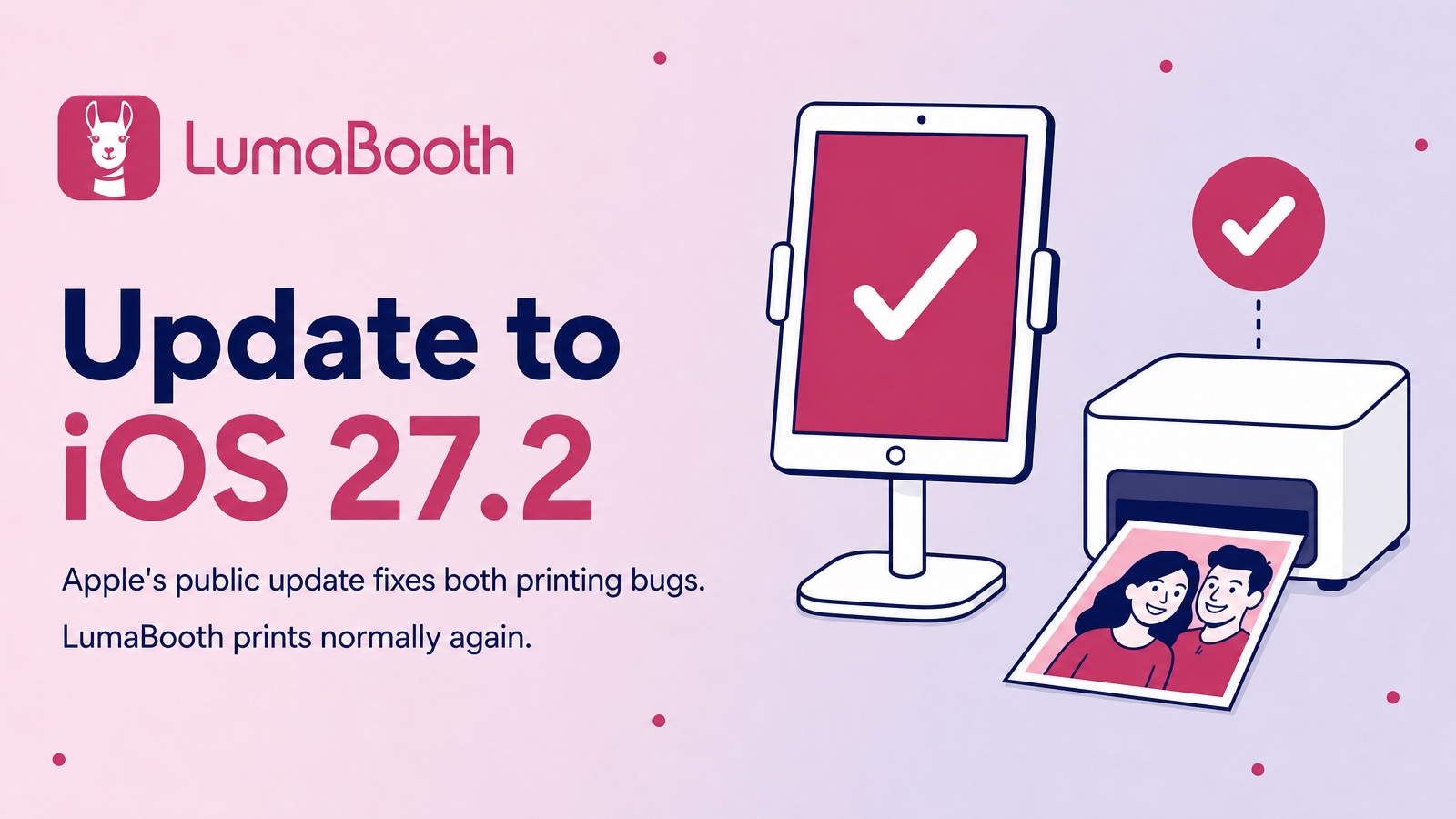
iOS 27.2 Is Out and Fixes the LumaBooth Printing Issues: Update Now
September 22, 2026
Apple released iOS 27.2 to everyone, and it fixes both the AirPrint bug and the missing Printer Driv...
Read More