August 7th, 2013
Win v.2.5.1.22 – QR Codes and E-mail Sharing Icons
QR Codes
We’ve made it even easier to get your photo booth photos to your guests on their mobile phones. Once a print is created, a QR code is generated that is displayed in dslrBooth. Once a guests scans that barcode using their phone, they are directed to the photo on our site.
E-mail Sharing Icons
E-mails now include sharing buttons for facebook, twitter, google+. This allows guests to quickly share images they receive to social networks. E-mails are customizable using a template. You can put the sharing buttons anywhere by adding {share_icons} where you wish.
Additional Display Options
- Added option to start dslrBooth directly in Full Screen when the application is launched. Useful when dslrBooth is used in enclosures or for anyone who wants to save a step when starting up.
- Added option to hide the Start Button. Useful when triggering dslrBooth using a USB button.
Other Improvements:
- Virtual Keyboard sports a new look that both looks better and is easier to use.
- Complete Hiding of windows taskbar on Windows 7 and Windows 8 in full screen mode.
As always, to get this update, simply restart dslrBooth while connected to the internet.
Related Articles
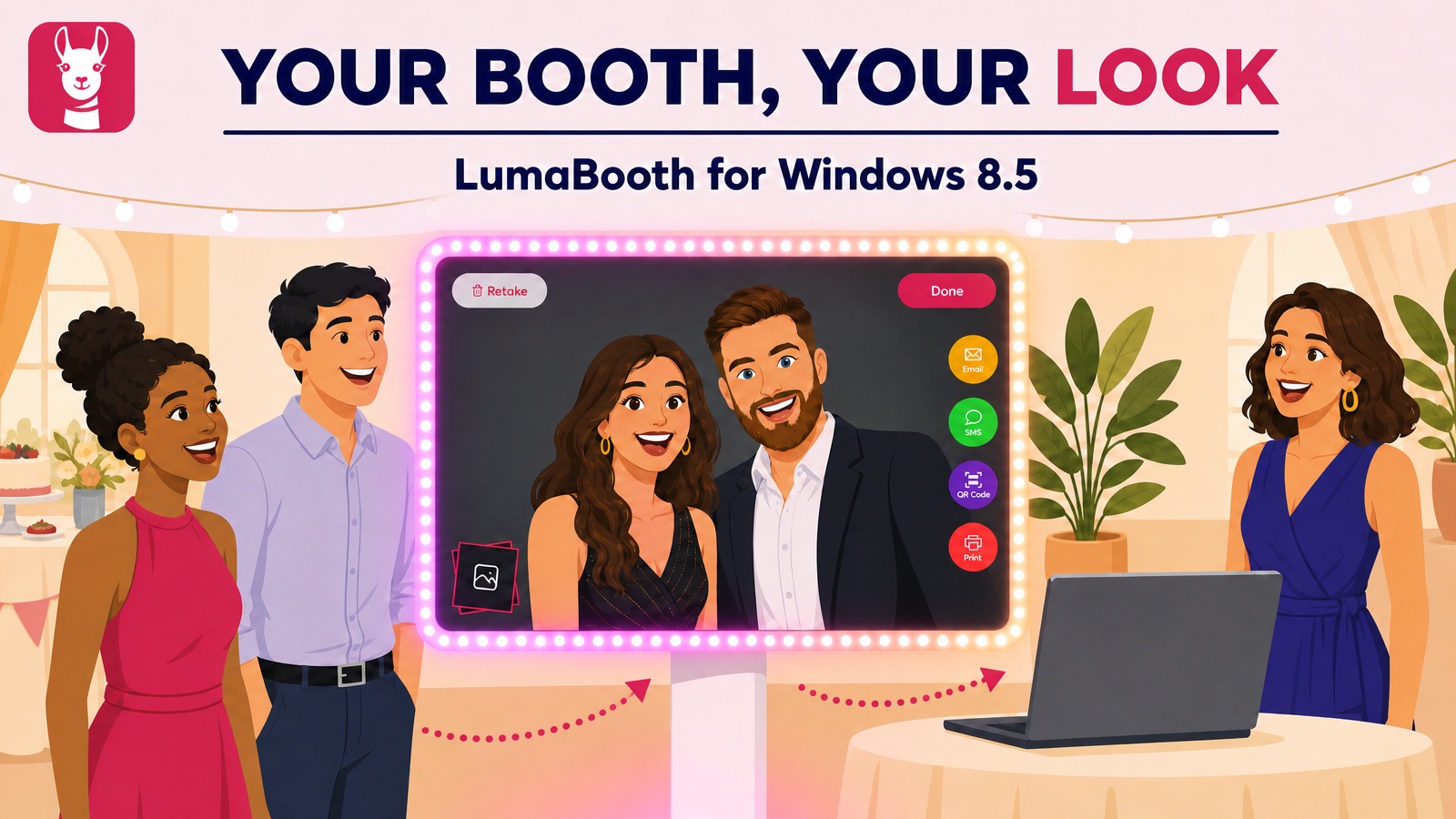
Your Booth, Your Look: Style Every Share Button in LumaBooth for Windows 8.5
November 24, 2026
In LumaBooth for Windows 8.5 every share button gets its own color, caption and position, and a Shar...
Read More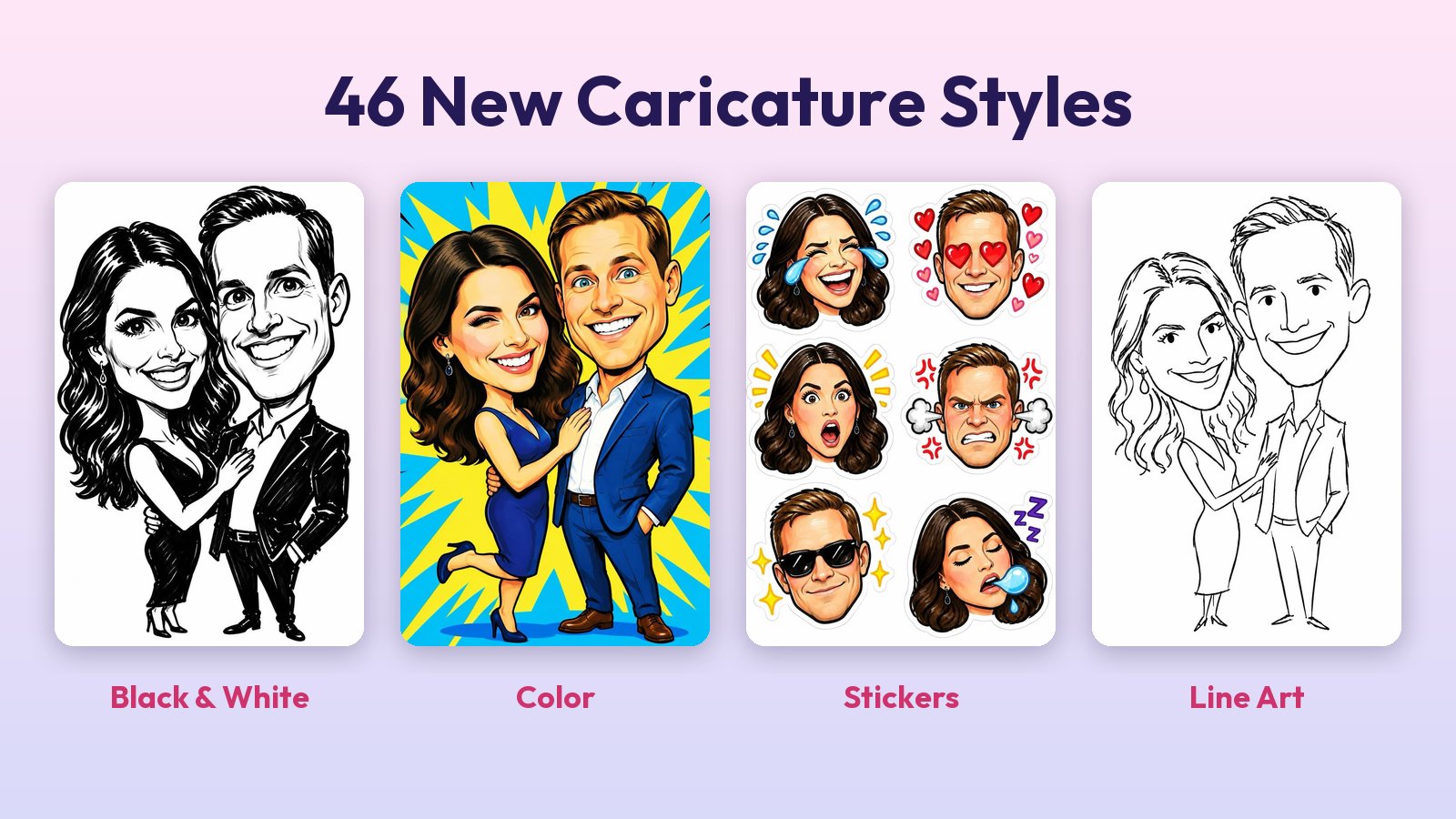
The Caricature Artist Who Never Takes a Break: 46 New AI Portrait Styles
November 17, 2026
AI Portraits now include 46 caricature styles in four categories: Black & White, Color, Sticker...
Read More
Scribble Booth: Mirrored Photos and Videos in LumaBooth for Windows 8.3.0
August 11, 2026
LumaBooth for Windows 8.3.0 adds mirrored photo and video capture for mirror and scribble booths, de...
Read More