
November 1st, 2012
Release Notes – v1.3.0.0 for Windows
- Add Big button to start session
- Large countdown before each image is taken
- Don’t auto-select a paper size if printer is already set to print on a 4×6 paper size. Useful for those selecting custom print sizes to get 4×6 prints cut in half on printers such as: mistubishi, dnp, and hiti.
- Yes/No for preferences instead of True/False
- Better handling of auto focus failing/camera not triggering
- Change folder names to: Processing, Originals, Prints
- Fix camera button losing focus
- Fix issues w/ some Canon cameras overwriting existing files when reusing same file numbers.
- Remove “Exit Full Screen” link, to exit full screen, hit ESC, F11 or F button to exit full screen.
Related Articles
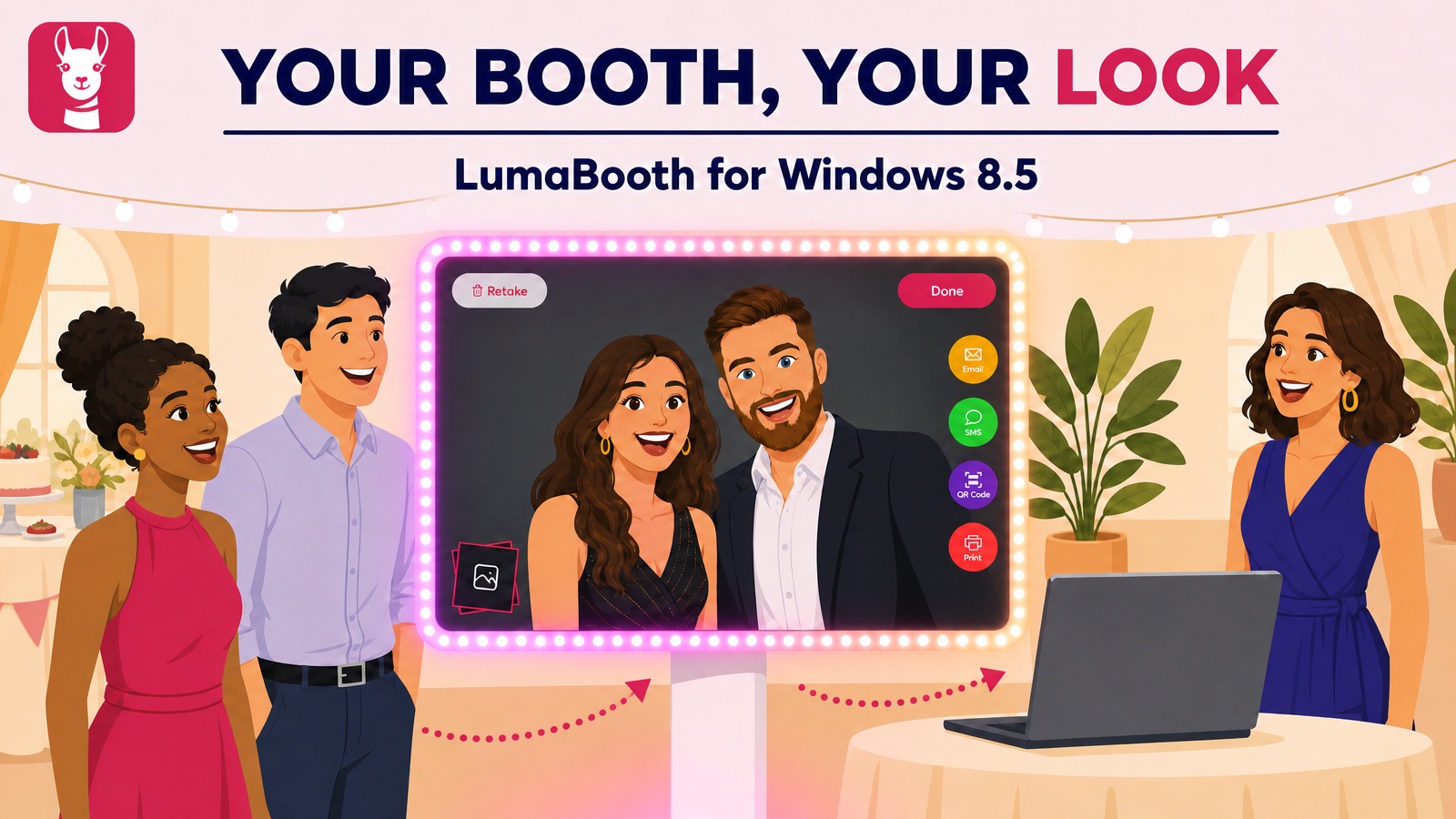
Your Booth, Your Look: Style Every Share Button in LumaBooth for Windows 8.5
November 24, 2026
In LumaBooth for Windows 8.5 every share button gets its own color, caption and position, and a Shar...
Read More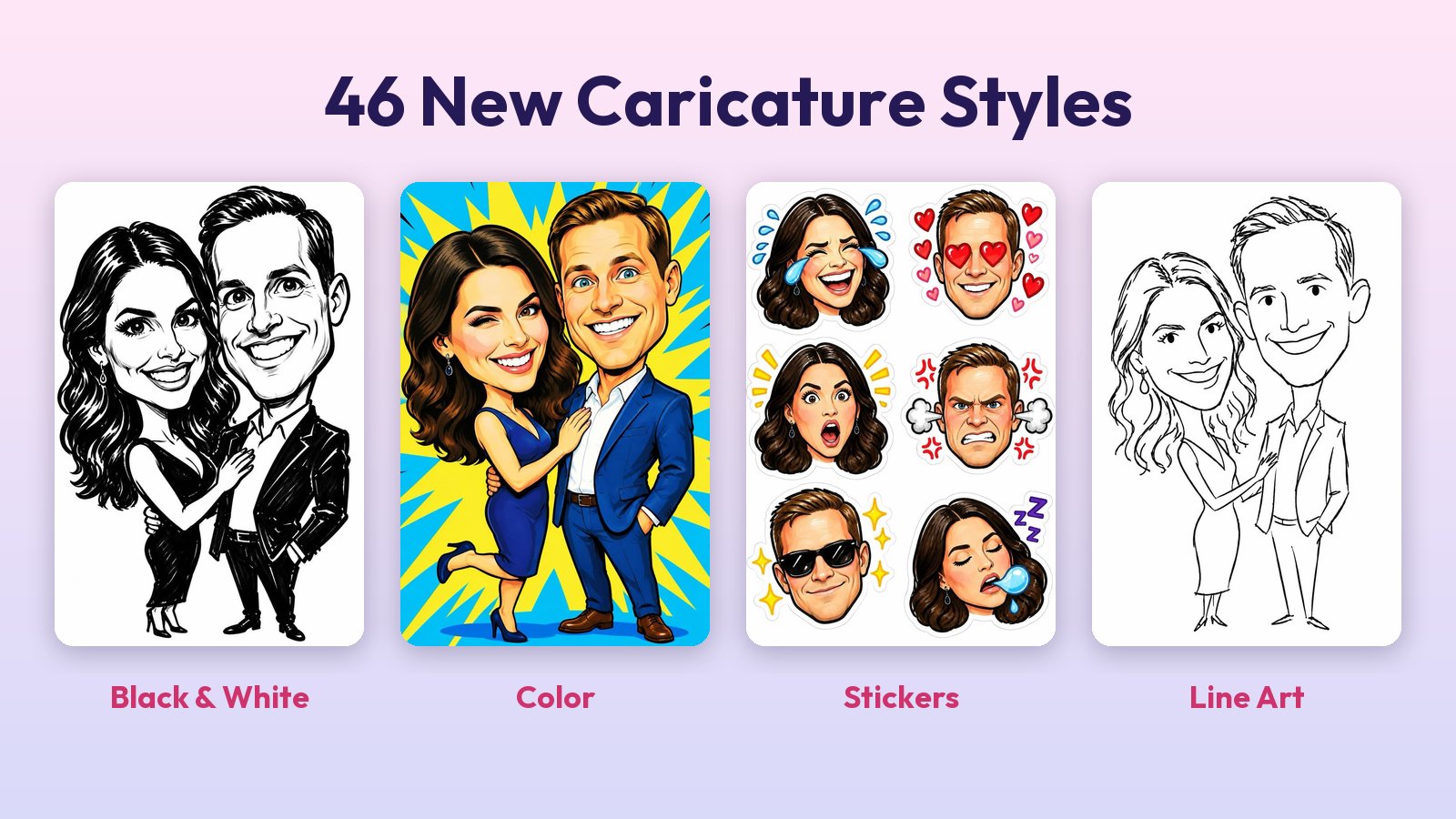
The Caricature Artist Who Never Takes a Break: 46 New AI Portrait Styles
November 17, 2026
AI Portraits now include 46 caricature styles in four categories: Black & White, Color, Sticker...
Read More
Scribble Booth: Mirrored Photos and Videos in LumaBooth for Windows 8.3.0
August 11, 2026
LumaBooth for Windows 8.3.0 adds mirrored photo and video capture for mirror and scribble booths, de...
Read More