
November 7th, 2012
Release Notes – v1.3.0.2 for Windows
We’ve improved setting printer settings by adding a new menu item for Print Settings. You can now easily and quickly pick printer, paper size, orientation instead of having to go to the control panel to do this. Also, dslrBooth no longer overwrites your chosen paper size. This is useful for those that are using commercial photo booth printers that would like to use the 2×6 cutting feature by changing the paper size. Printer settings are stored across restarts so set them up once and forget about them if you’re not changing your layout. We’re all about streamlining things in case you haven’t noticed 🙂
Related Articles
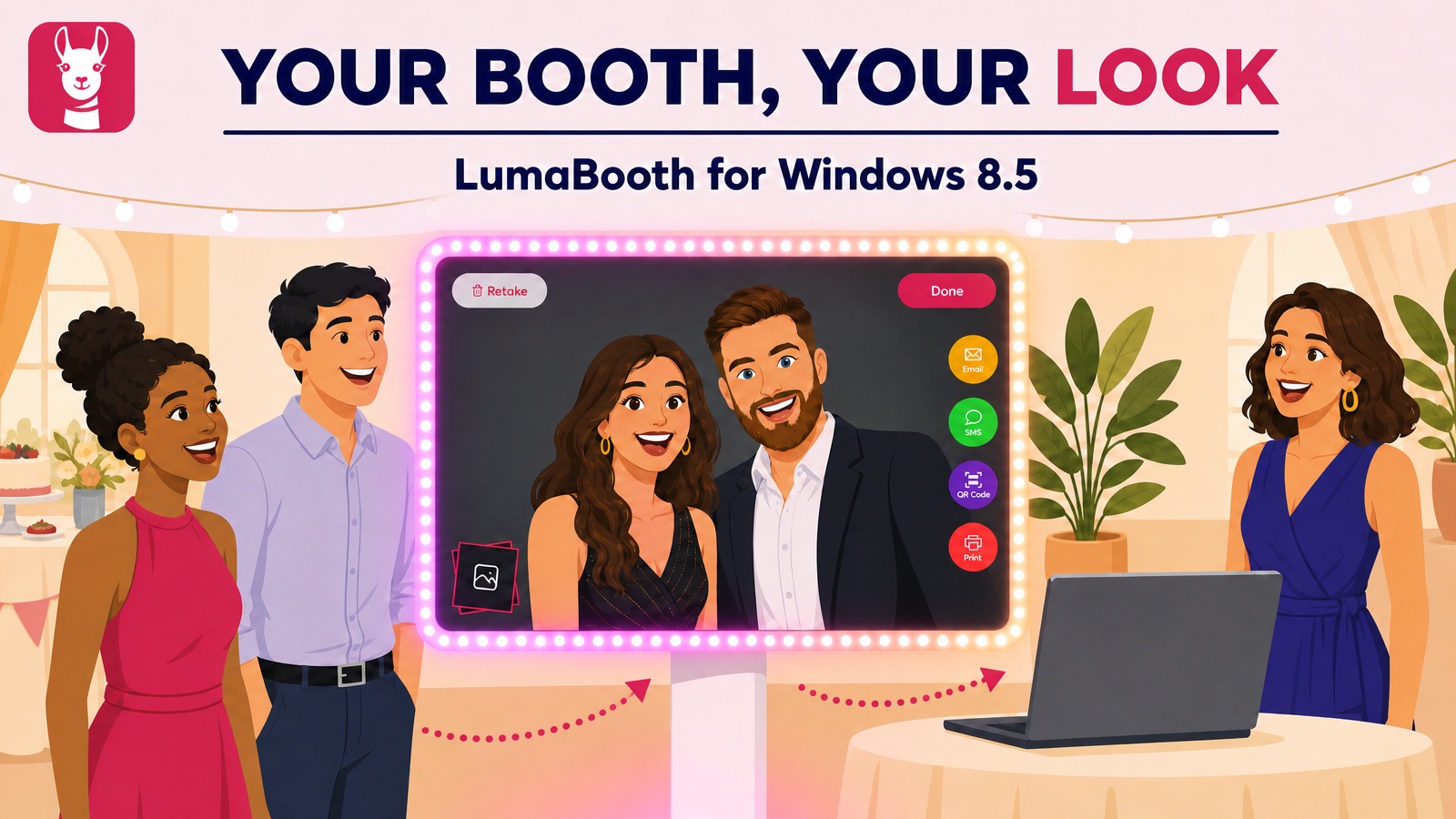
Your Booth, Your Look: Style Every Share Button in LumaBooth for Windows 8.5
November 24, 2026
In LumaBooth for Windows 8.5 every share button gets its own color, caption and position, and a Shar...
Read More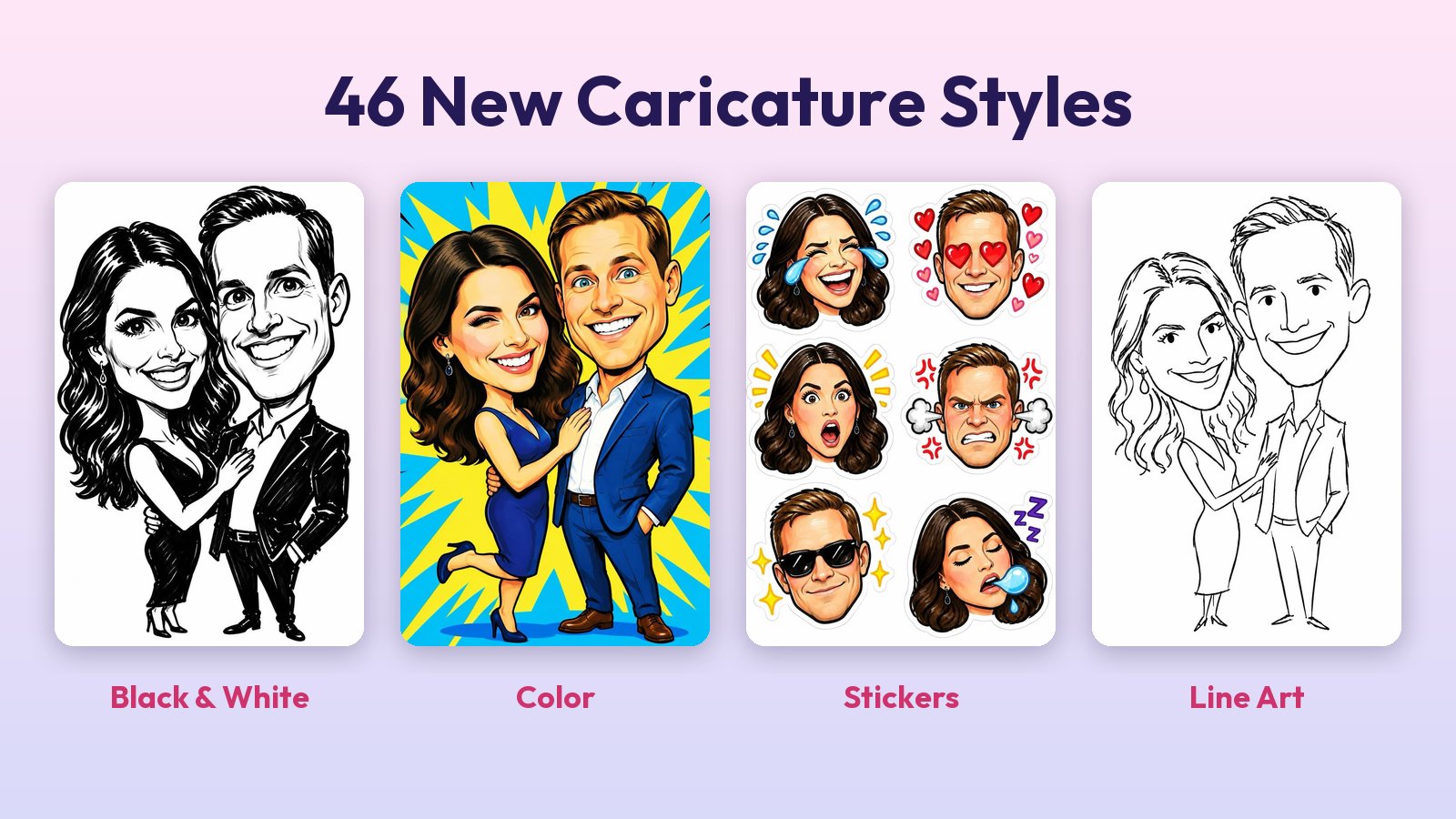
The Caricature Artist Who Never Takes a Break: 46 New AI Portrait Styles
November 17, 2026
AI Portraits now include 46 caricature styles in four categories: Black & White, Color, Sticker...
Read More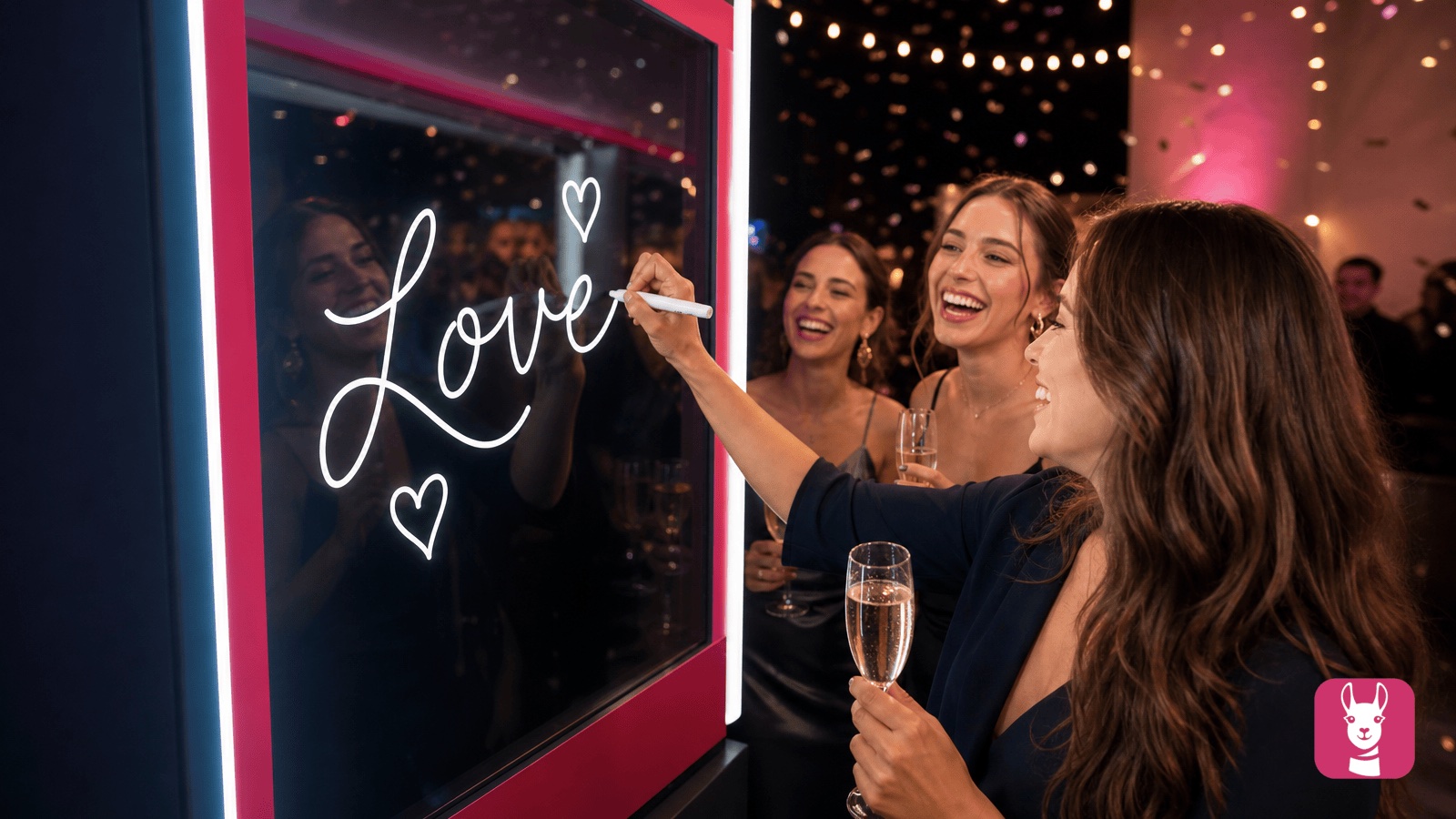
Scribble Booth: Mirrored Photos and Videos in LumaBooth for Windows 8.3.0
August 11, 2026
LumaBooth for Windows 8.3.0 adds mirrored photo and video capture for mirror and scribble booths, de...
Read More