
July 20th, 2012
Sharing on Facebook, Twitter, Google+ (Windows Only)
 You can share your final prints online in realtime on facebook, twitter, google+, pinterest and a few dozen other sharing sites directly from dslrBooth. It’s pretty simple, take a few pictures, wait till the final print appears on screen, then click the e-mail, SMS, or scan the QR Code. Enter your e-mail or SMS #. Your mobile phone will open up a secure url where you can share your picture in real-time. Cool, right? Let us know either way in the comments below. We’re always open to suggestions.
FAQ
How long do my images stay online?
Images are guaranteed to be online for 30 days after they are uploaded.
What happens when I click the share button? Can anyone else see them?
The share button, takes you to the url for the page. Your images can only be accessed if you know their url.
Can I download a full resolution copy?
Of course. Click on the image and it’ll open the original image in high resolution which you can download.
Related Articles
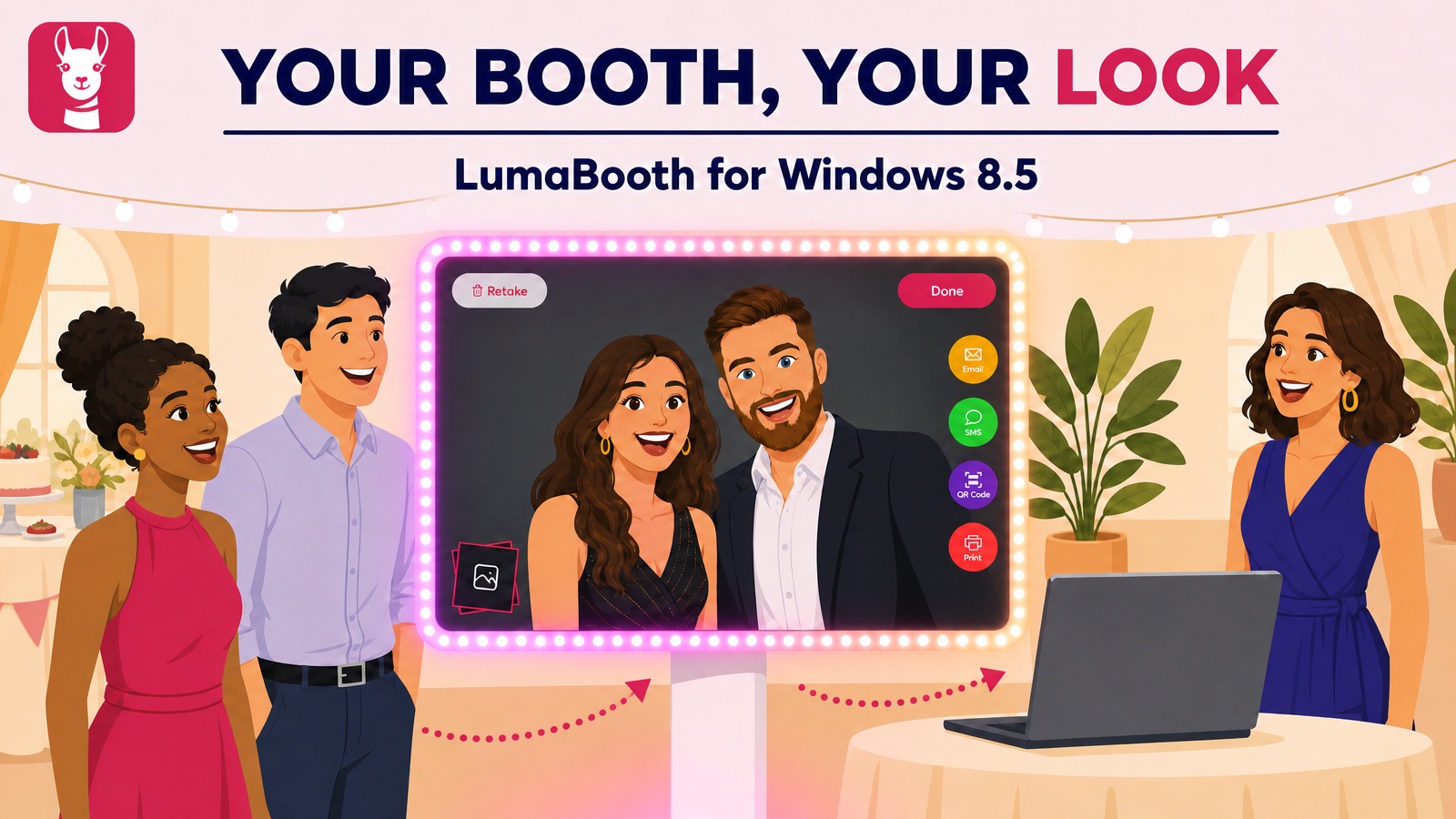
Your Booth, Your Look: Style Every Share Button in LumaBooth for Windows 8.5
November 24, 2026
In LumaBooth for Windows 8.5 every share button gets its own color, caption and position, and a Shar...
Read More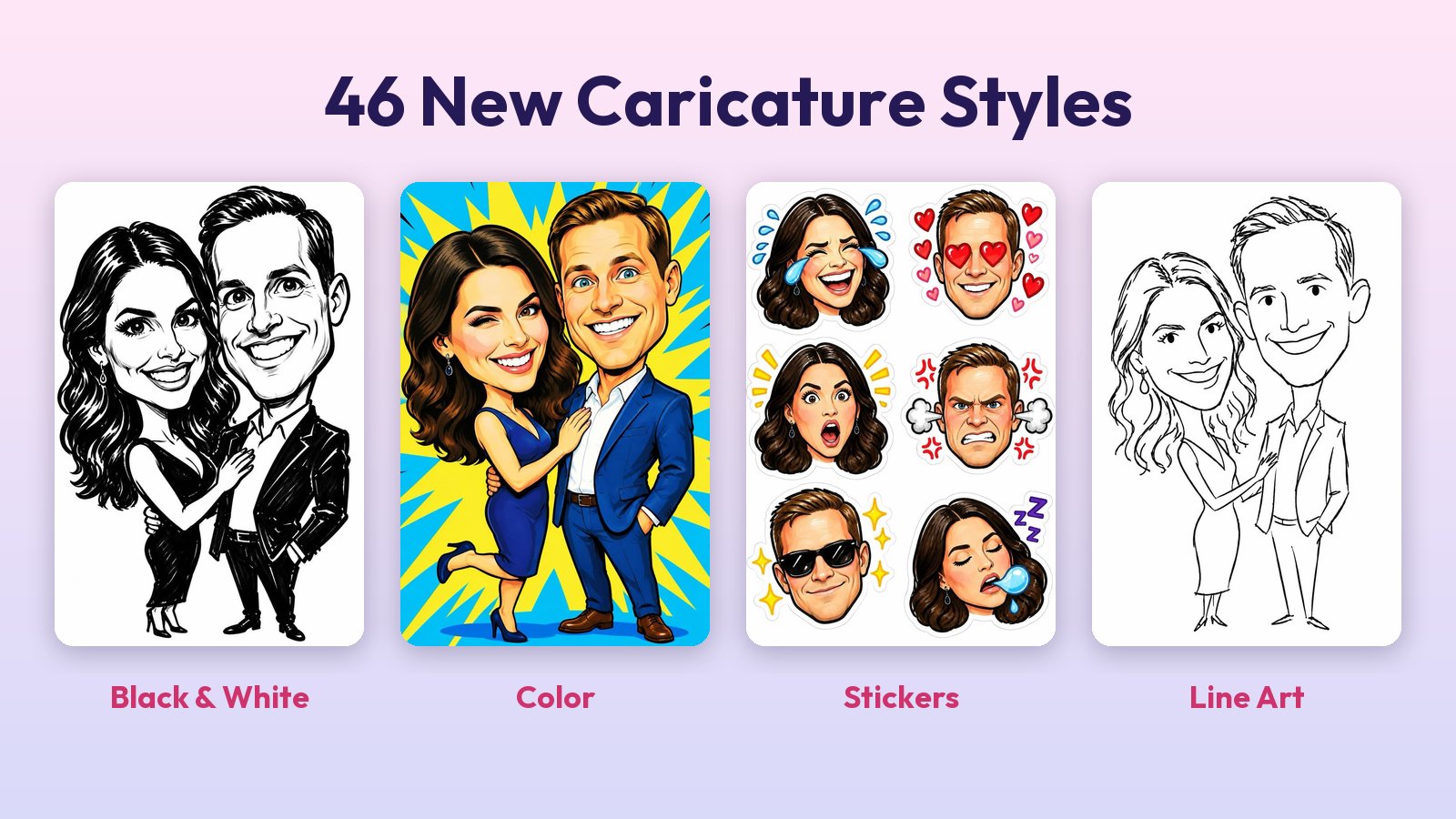
The Caricature Artist Who Never Takes a Break: 46 New AI Portrait Styles
November 17, 2026
AI Portraits now include 46 caricature styles in four categories: Black & White, Color, Sticker...
Read More
Scribble Booth: Mirrored Photos and Videos in LumaBooth for Windows 8.3.0
August 11, 2026
LumaBooth for Windows 8.3.0 adds mirrored photo and video capture for mirror and scribble booths, de...
Read More