
October 16th, 2013
Win v.2.7.1.1 – Green Screen Improvements

We have overhauled the Green Screen functionality in our Professional Edition and added the following features:
- Add multiple backgrounds instead of just 1. You can choose to have the user’s choose the background they wish to use or have dslrBooth cycle through your backgrounds automatically.
- Live View Green Screen – Live view can optionally replace your green screen with your chosen background with the same outstanding results as the main photo green screen replacement.
- Foregrounds – When adding a background, you have the option to add a foreground as well. This is useful for making Magazine Covers, multi-layer backgrounds, cartoon/person cut-outs, etc…
- Key Color – You can optionally set the key color to remove. The automatic setting does a great job of setting the key color but if you want complete control over chroma keying, you can now pick your color.
- New intuitive Green Screen Preferences window that’s much more intuitive.
- Performance Improvements – You can now green screen using larger background images and processing is much faster.
Related Articles
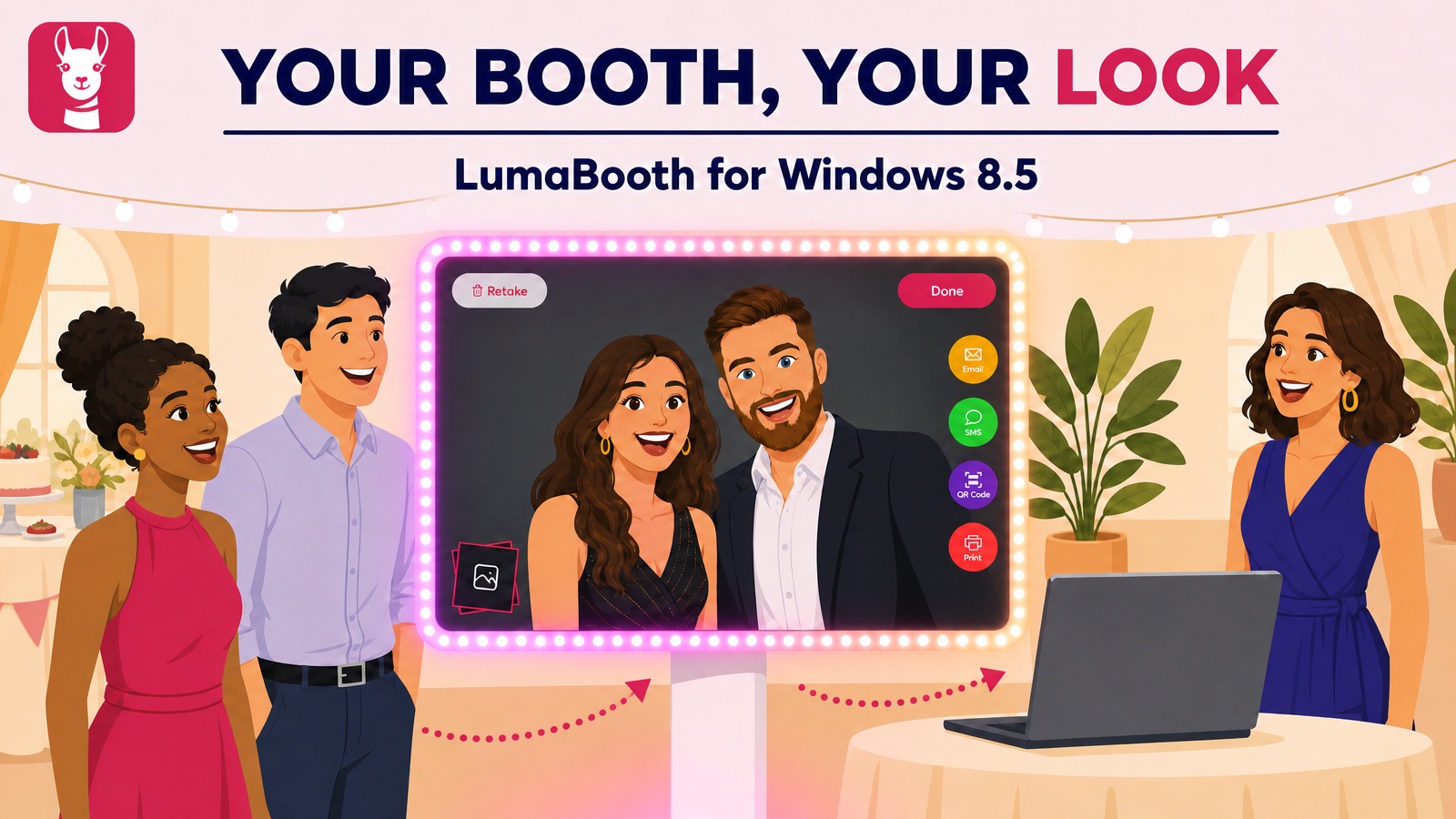
Your Booth, Your Look: Style Every Share Button in LumaBooth for Windows 8.5
November 24, 2026
In LumaBooth for Windows 8.5 every share button gets its own color, caption and position, and a Shar...
Read More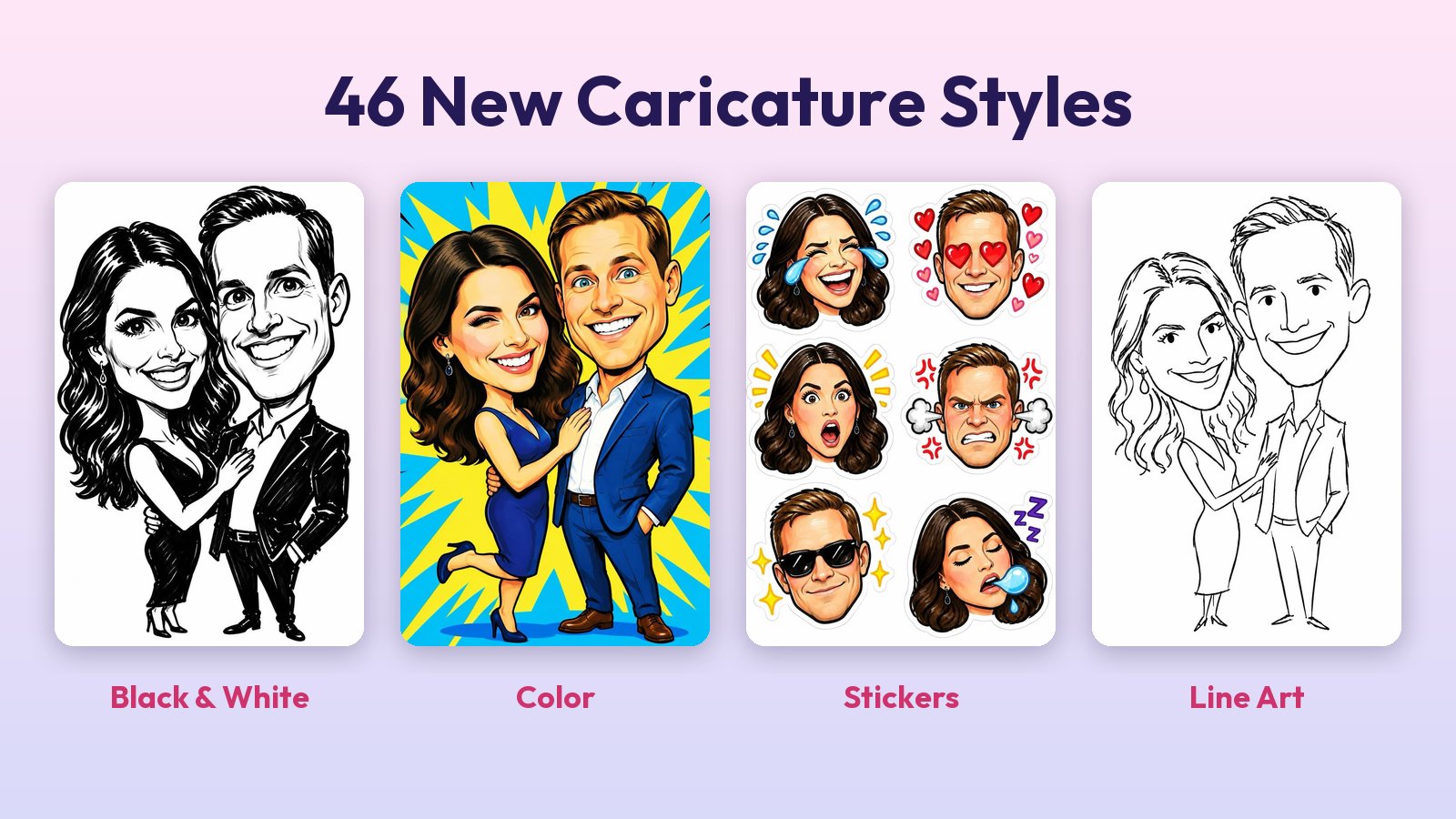
The Caricature Artist Who Never Takes a Break: 46 New AI Portrait Styles
November 17, 2026
AI Portraits now include 46 caricature styles in four categories: Black & White, Color, Sticker...
Read More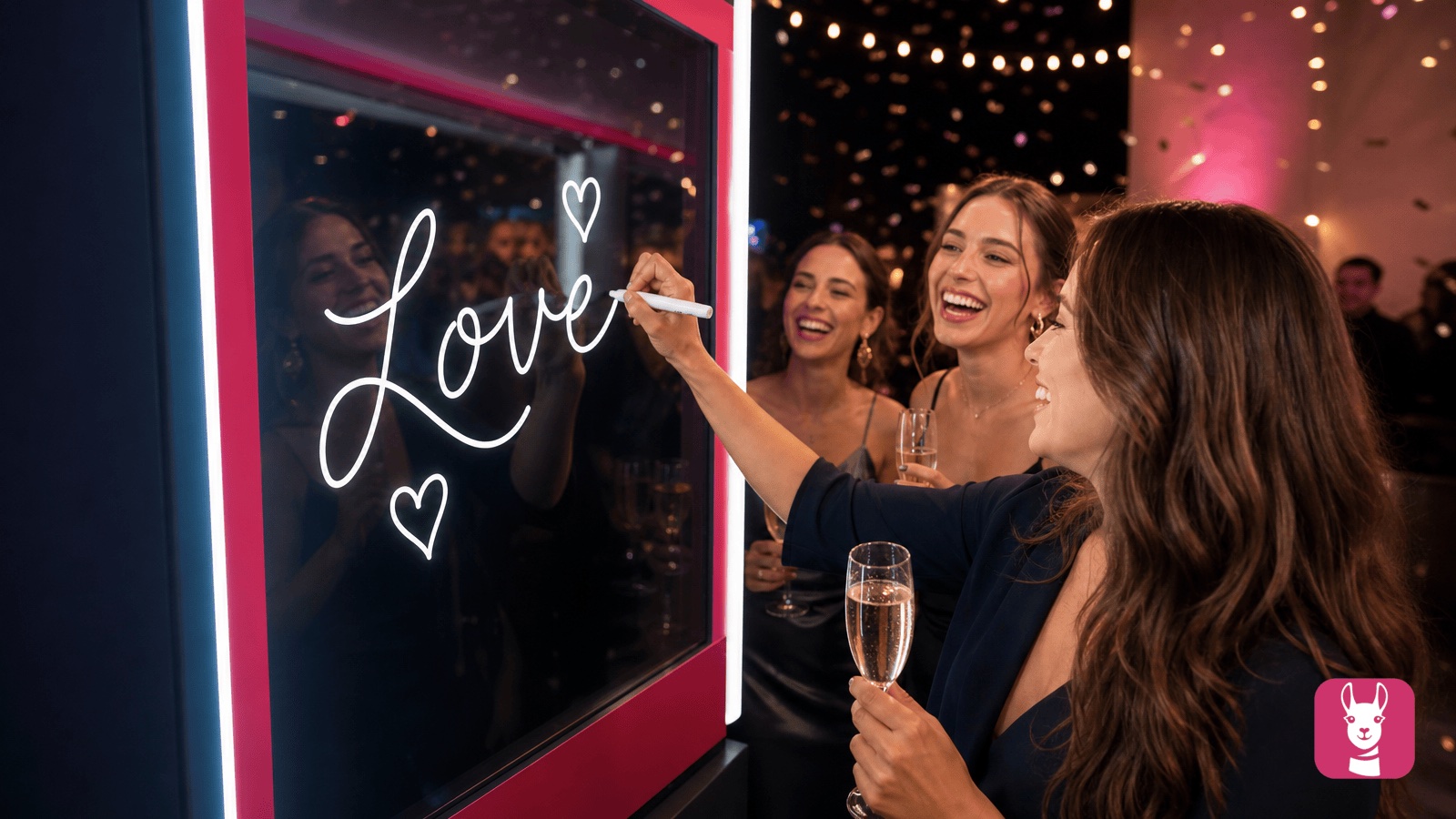
Scribble Booth: Mirrored Photos and Videos in LumaBooth for Windows 8.3.0
August 11, 2026
LumaBooth for Windows 8.3.0 adds mirrored photo and video capture for mirror and scribble booths, de...
Read More