
October 30th, 2013
Win v.2.7.1.2 – Upload to Facebook Pages
 We’ve had many requests to allow for uploading prints to Facebook Pages in the background as they’re created. This way guests will have immediate access to the photos on facebook and can share them right away.
We’ve listened and included this in our Professional Edition. Users of our trial and standard edition can test out this feature as well but will have instructional text attached to their photos.
To set it up, simply to go Settings, Sharing, Facebook Page. Enable this feature, then login to Facebook and choose the page and album to post your photos to.
An internet connection is required for uploading.
Related Articles
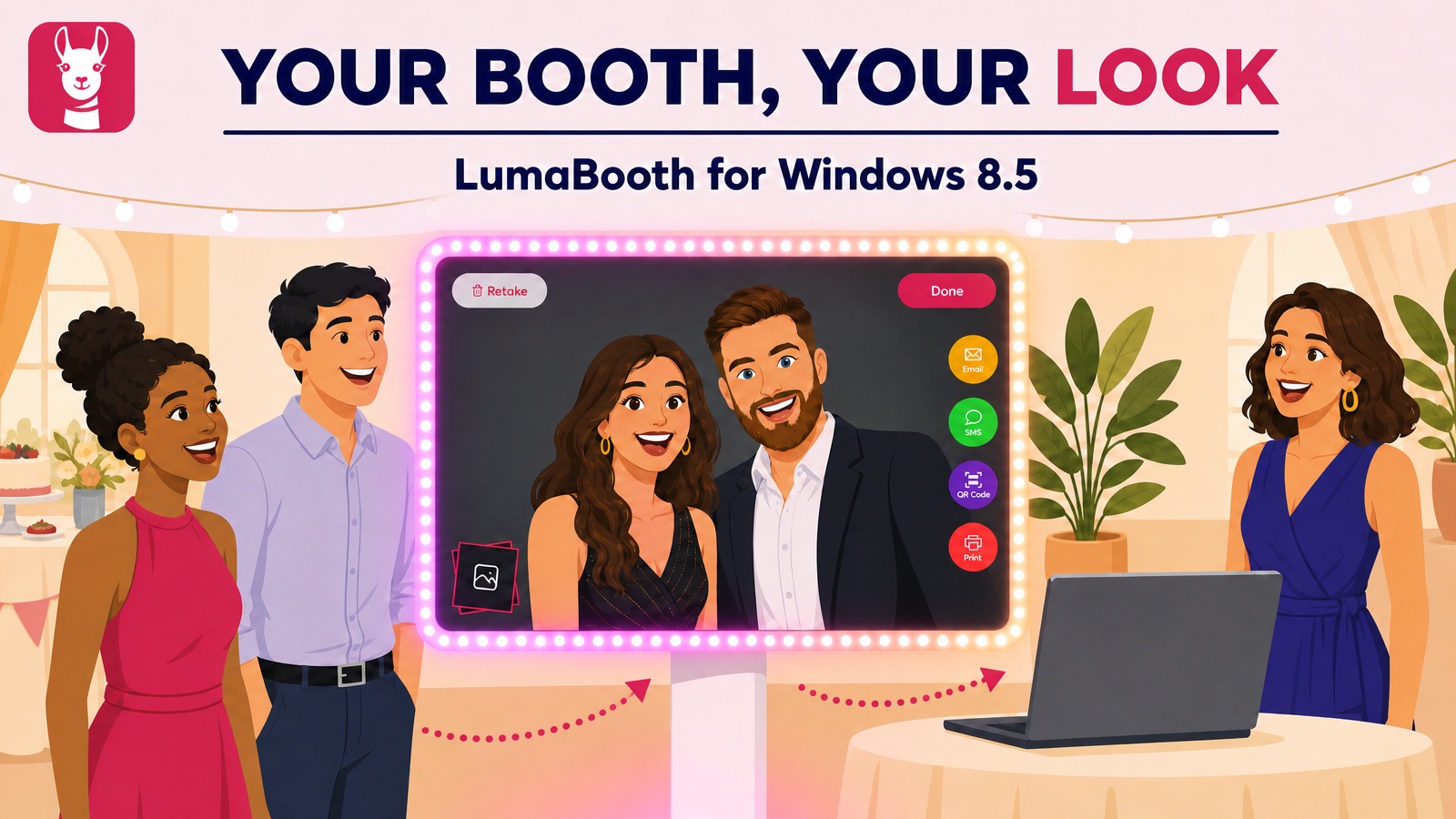
Your Booth, Your Look: Style Every Share Button in LumaBooth for Windows 8.5
November 24, 2026
In LumaBooth for Windows 8.5 every share button gets its own color, caption and position, and a Shar...
Read More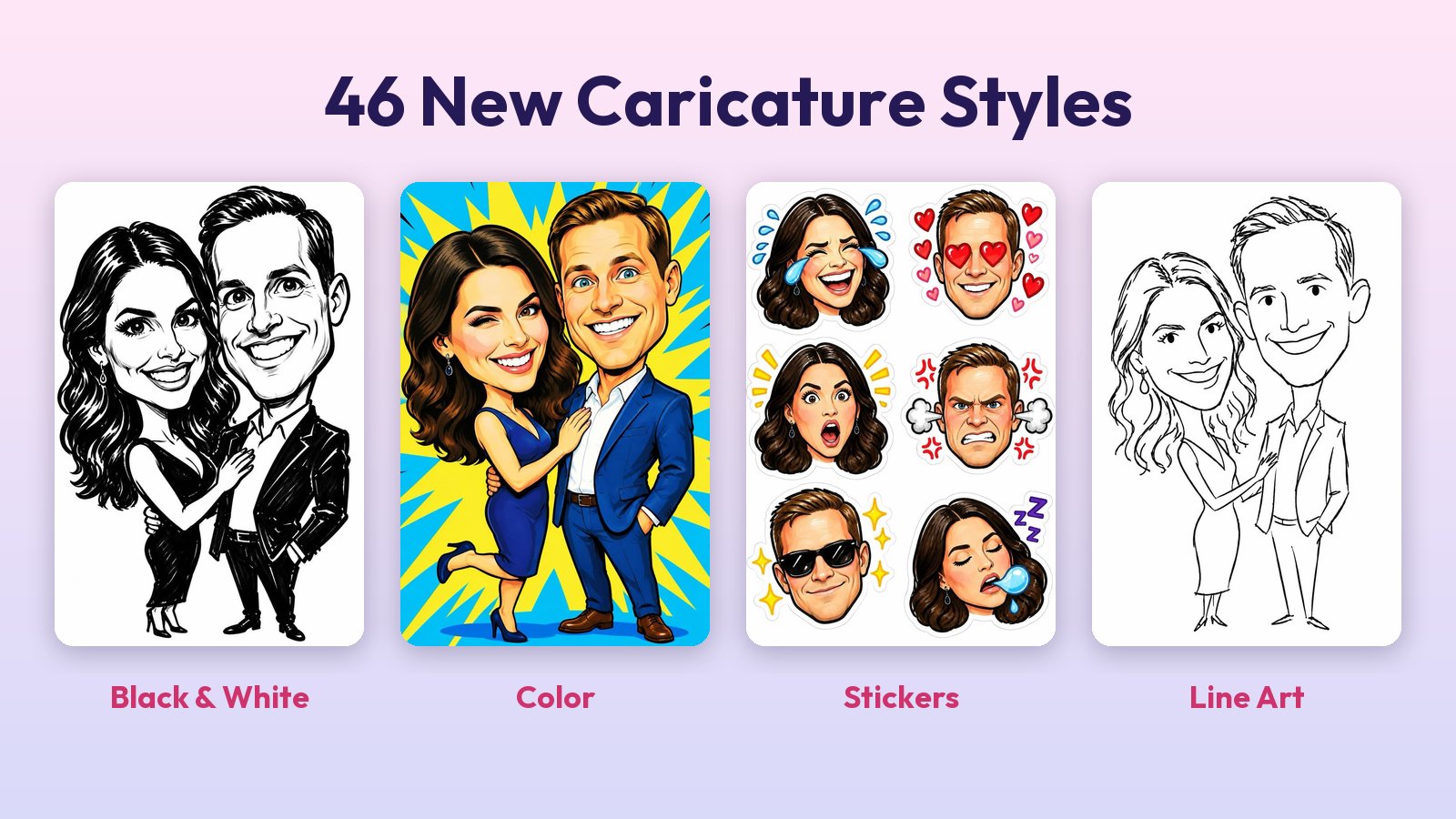
The Caricature Artist Who Never Takes a Break: 46 New AI Portrait Styles
November 17, 2026
AI Portraits now include 46 caricature styles in four categories: Black & White, Color, Sticker...
Read More
Scribble Booth: Mirrored Photos and Videos in LumaBooth for Windows 8.3.0
August 11, 2026
LumaBooth for Windows 8.3.0 adds mirrored photo and video capture for mirror and scribble booths, de...
Read More