
June 28th, 2013
Windows Update v2.5.1.9 – You’ve got mail!
You guys asked us for an easy way to let guests share their photos by e-mail and we listened. With this update, there’s now an e-mail button in the bottom right, clicking it will allow your guests to enter their e-mail address and receive an e-mail with the image as an attachment. To get this feature working, go to Settings, Sharing, E-mail, and setup an e-mail provider. We even have a few e-mail providers pre-loaded in there such as gmail. Enter your username and password and click Test Connection. If it succeeds, you’re ready to use this feature.
This update includes a bug fix to an issue where users had to re-enter their settings and serial # every time following an update. We apologize for this annoying bug and you won’t have to deal with this for all future updates.
You can also set a different time before your first shot than your following shots to give your guests enough time to get ready.
Finally, we added a keyboard shortcut to the Green Settings Window using CTRL+g.
Related Articles
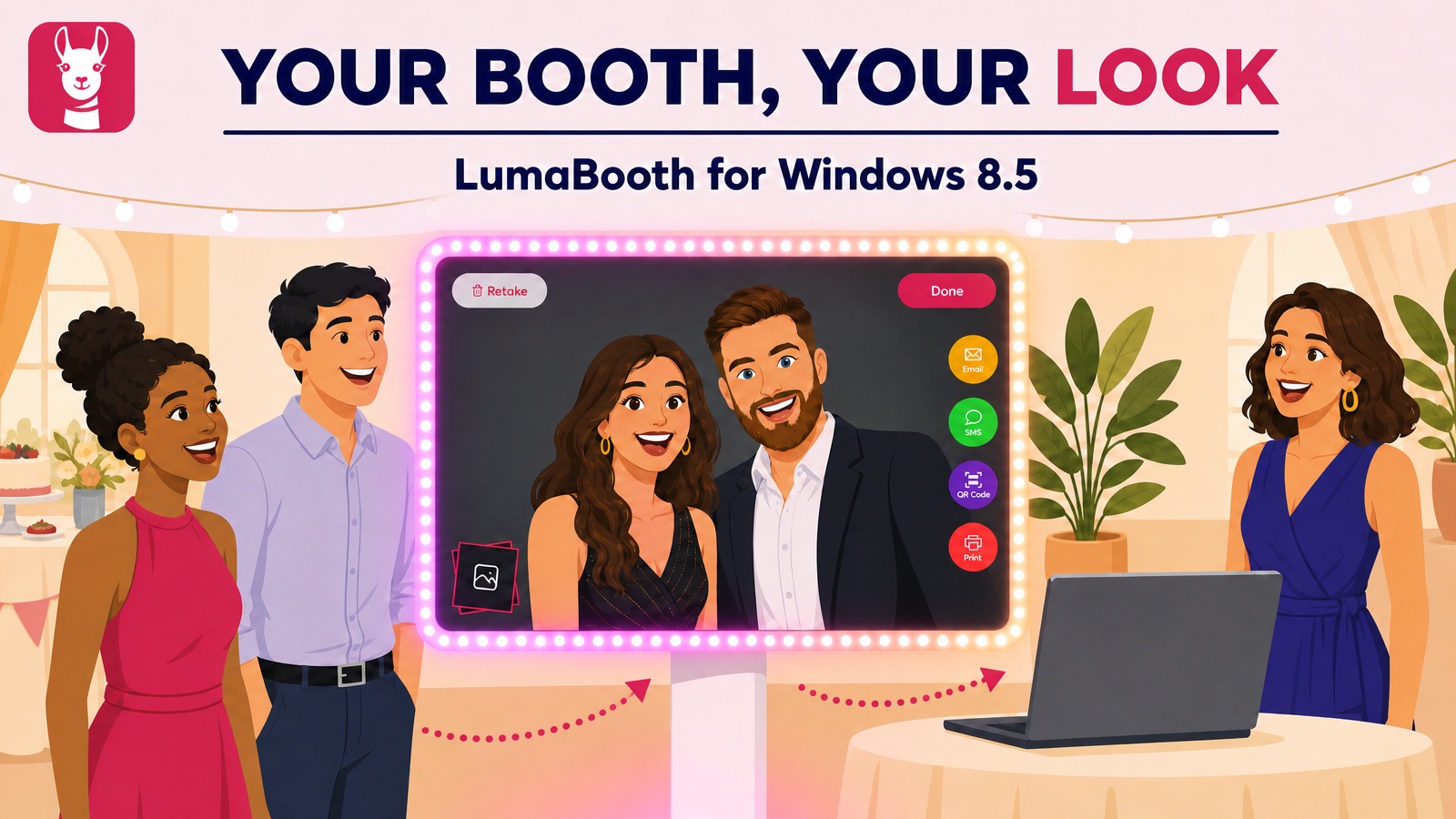
Your Booth, Your Look: Style Every Share Button in LumaBooth for Windows 8.5
November 24, 2026
In LumaBooth for Windows 8.5 every share button gets its own color, caption and position, and a Shar...
Read More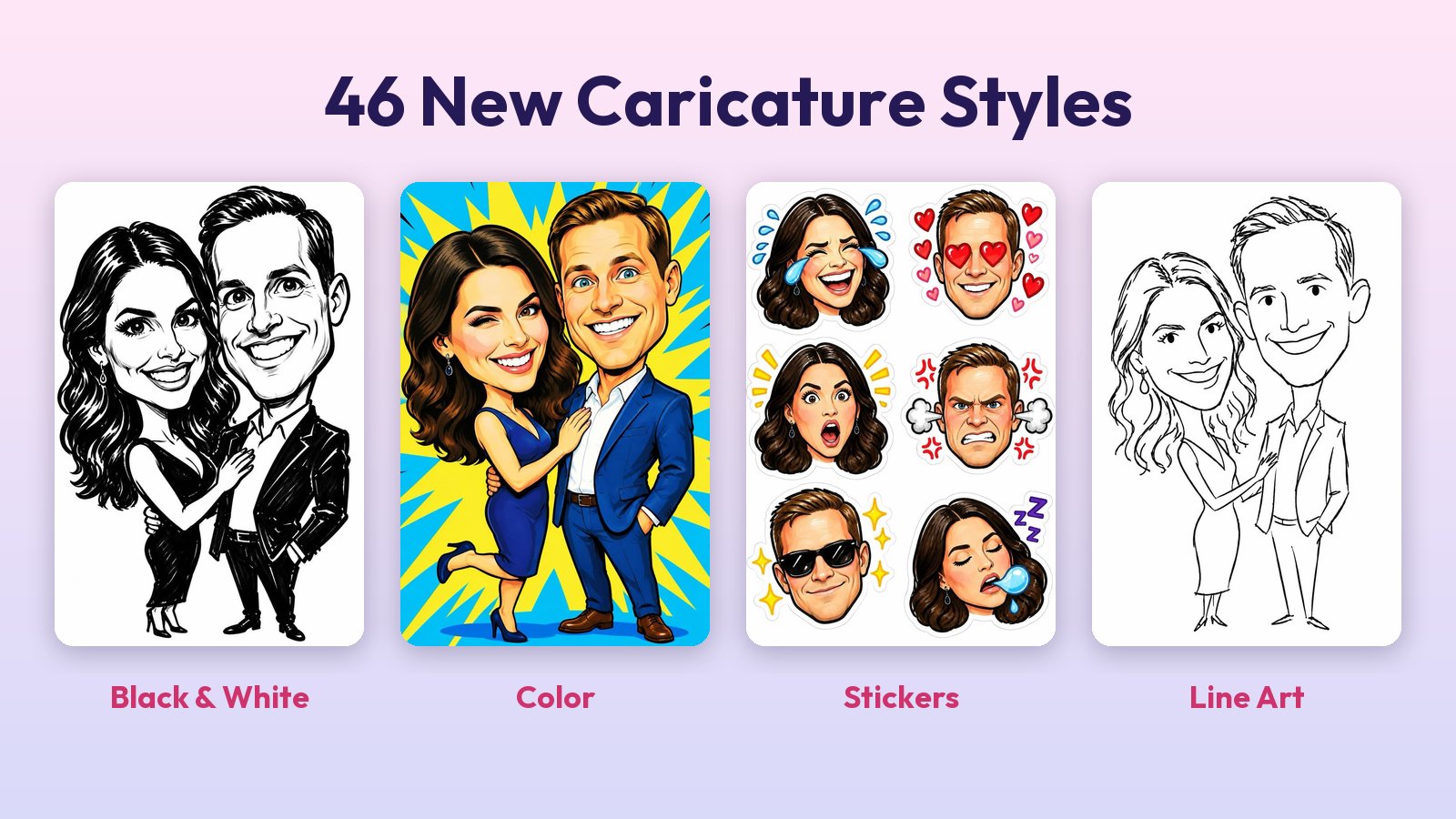
The Caricature Artist Who Never Takes a Break: 46 New AI Portrait Styles
November 17, 2026
AI Portraits now include 46 caricature styles in four categories: Black & White, Color, Sticker...
Read More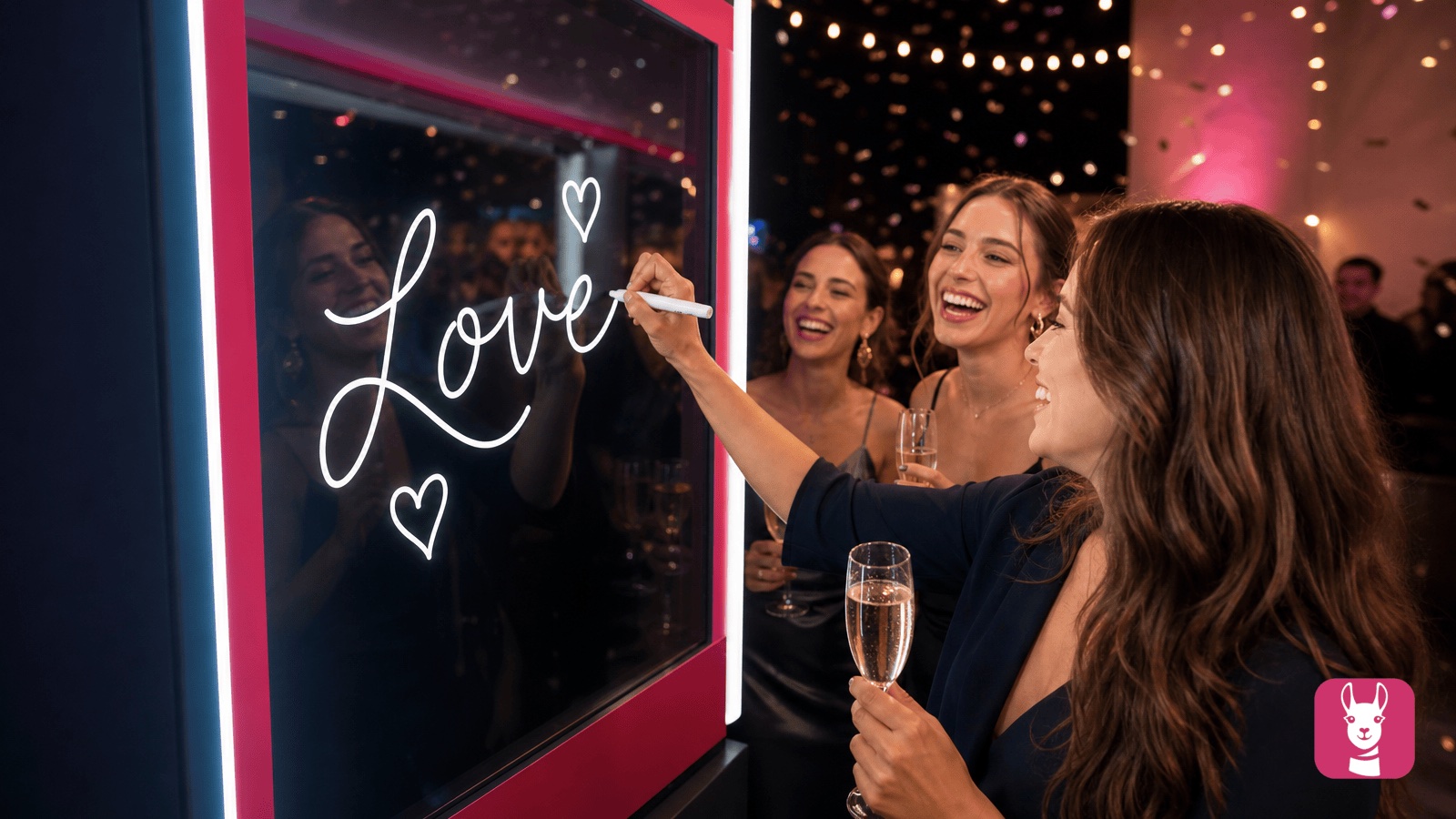
Scribble Booth: Mirrored Photos and Videos in LumaBooth for Windows 8.3.0
August 11, 2026
LumaBooth for Windows 8.3.0 adds mirrored photo and video capture for mirror and scribble booths, de...
Read More